> ## Documentation Index
> Fetch the complete documentation index at: https://support.dripos.com/llms.txt
> Use this file to discover all available pages before exploring further.
# Receipt Printers
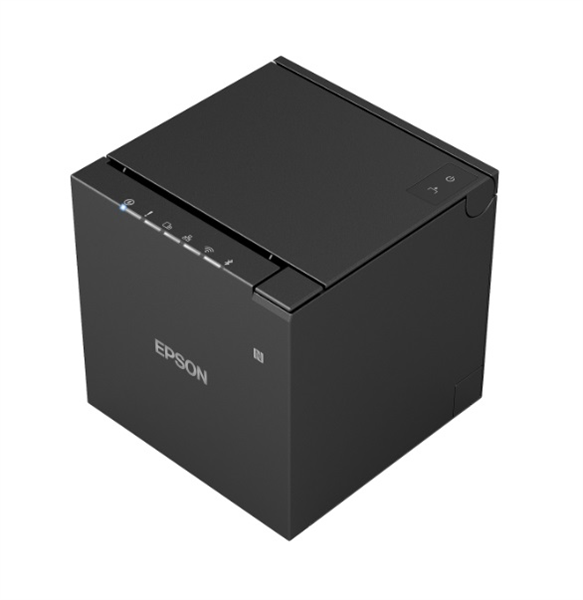
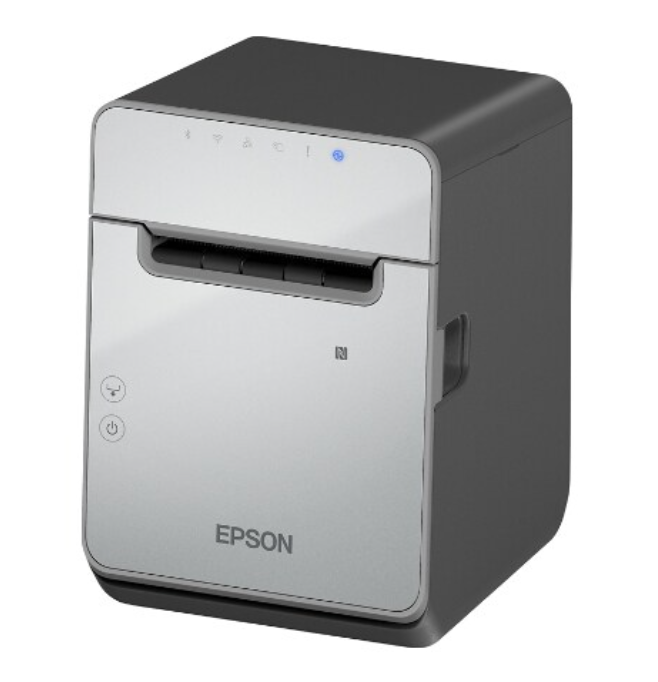
## Dripos Compatible Epson Printers
Dripos is compatible with two types of Epson thermal printers, a regular non-sticky receipt or a sticky receipt option.
For maximum network stability, each printer must be ethernet hardwired into the router.
Ethernet cables are not included with the printers and will need to be purchased separately.
 Need to order another printer? Place your order [here](https://hardware.dripos.com/)!
***
## Set Up Your Printer
Learn how to set up your printer(s)
Need to order another printer? Place your order [here](https://hardware.dripos.com/)!
***
## Set Up Your Printer
Learn how to set up your printer(s)