> ## Documentation Index
> Fetch the complete documentation index at: https://support.dripos.com/llms.txt
> Use this file to discover all available pages before exploring further.

# Kitchen Display System Overview

> Manage orders in real time with the Kitchen Display System

## What is a Kitchen Display System (KDS)?

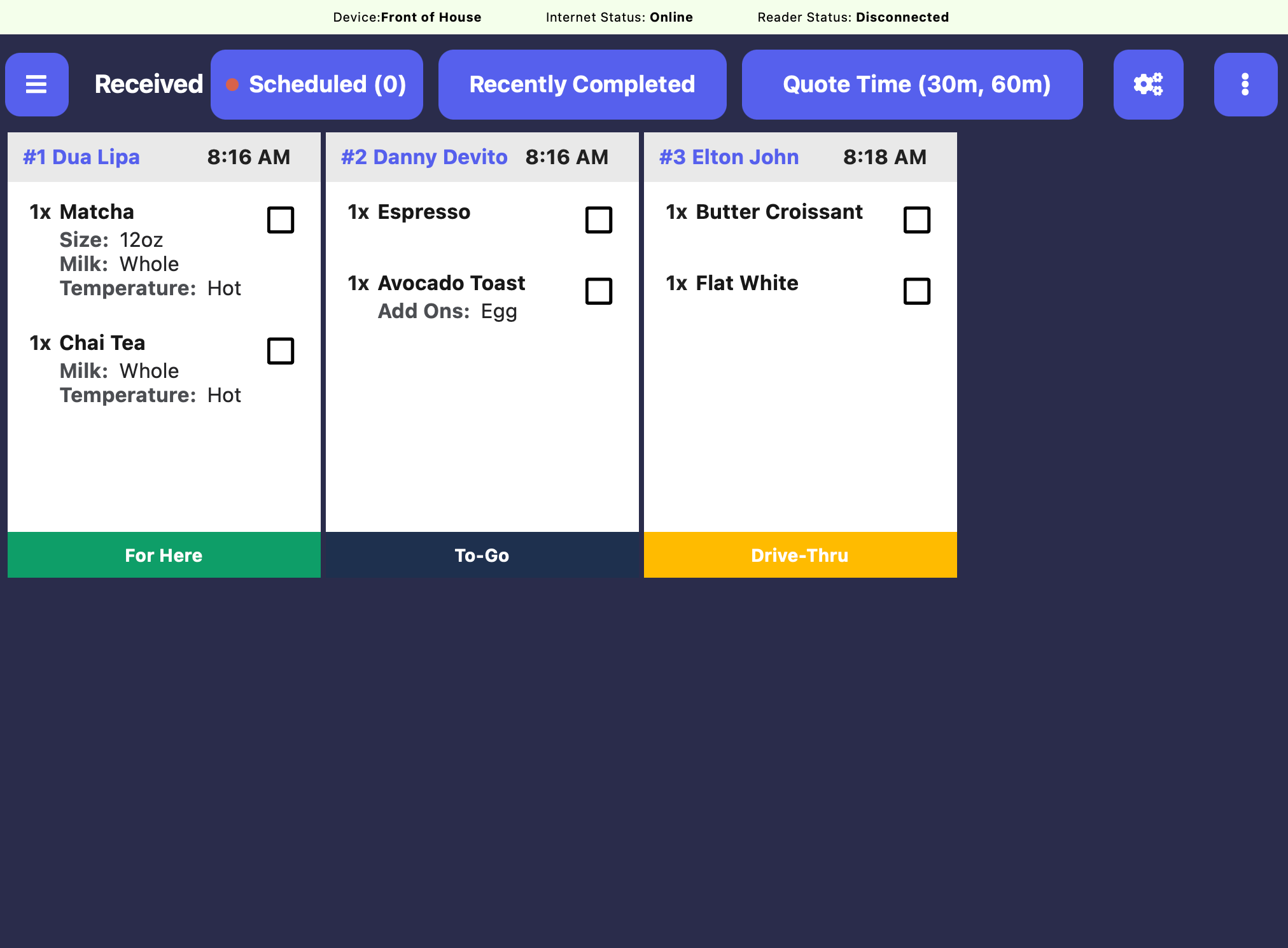
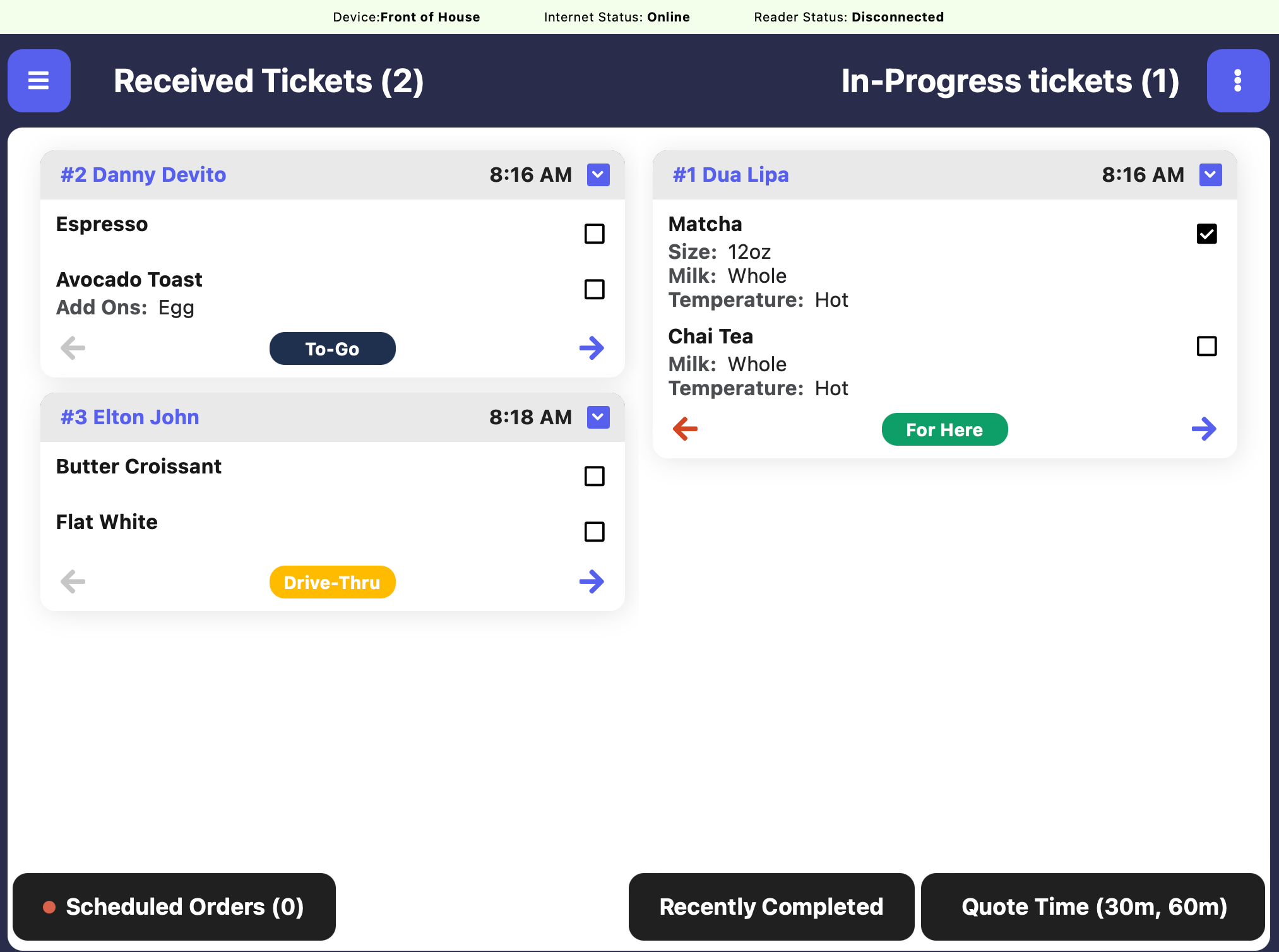
<Icon icon="sitemap" iconType="solid" /> A KDS, or Kitchen Display System, is a digital screen used in cafes and restaurants to help the bar and kitchen stay organized.

<Icon icon="print-slash" iconType="solid" /> Instead of printing paper tickets, orders from the register or online go straight to the screen in the bar/kitchen.

<Icon icon="user-chef" iconType="solid" /> This helps the baristas and cooks see what to prep, in what order, and makes it easier to keep track of everything—especially during busy times.

<Icon icon="person-running-fast" iconType="solid" /> It’s faster, reduces mistakes, and helps your orders come out just right and on time!
<CardGroup cols={2}>
  <Card center title="Simple Kitchen Display Screen">
    <img src="https://mintcdn.com/frostbytetechnologiesinc/lDb9jwLuXNS3vCaq/images/orders/kds2.png?fit=max&auto=format&n=lDb9jwLuXNS3vCaq&q=85&s=69b44dc0f5aec6dcfd8a0fa4b69f32d9" width="2026" height="1508" data-path="images/orders/kds2.png" />
  </Card>

  <Card center title="Quick Kitchen Display Screen">
    <img src="https://mintcdn.com/frostbytetechnologiesinc/lDb9jwLuXNS3vCaq/images/orders/kds1.png?fit=max&auto=format&n=lDb9jwLuXNS3vCaq&q=85&s=807343eda481745b6d2244a1c7429000" width="2024" height="1490" data-path="images/orders/kds1.png" />
  </Card>
</CardGroup>