> ## Documentation Index
> Fetch the complete documentation index at: https://support.dripos.com/llms.txt
> Use this file to discover all available pages before exploring further.
# QR Codes for Mobile Ordering
> Create QR codes to help direct customers to your Dripos ordering platforms
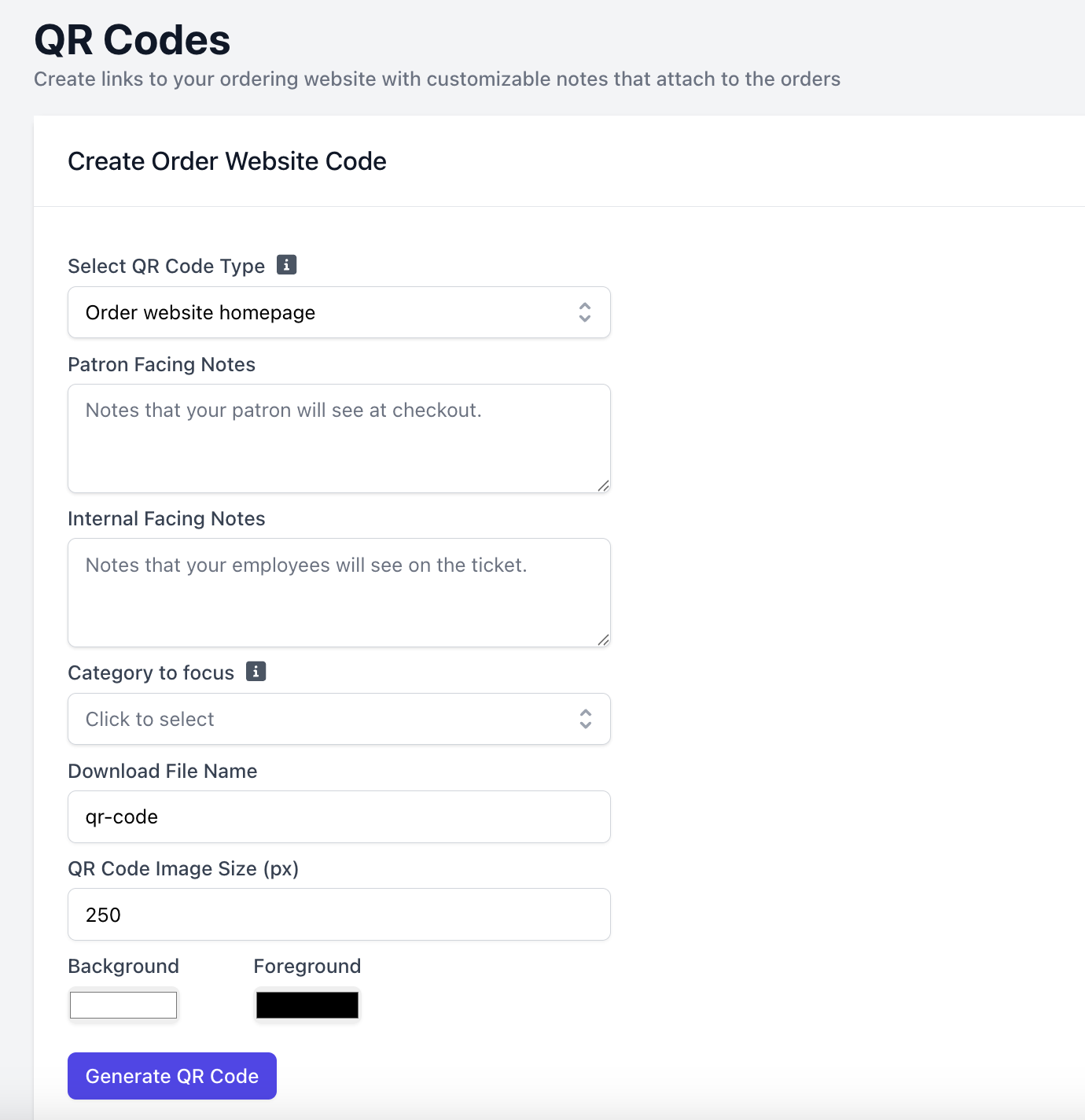
Create QR codes from the **Web Dashboard** > **Settings** > **QR Codes**
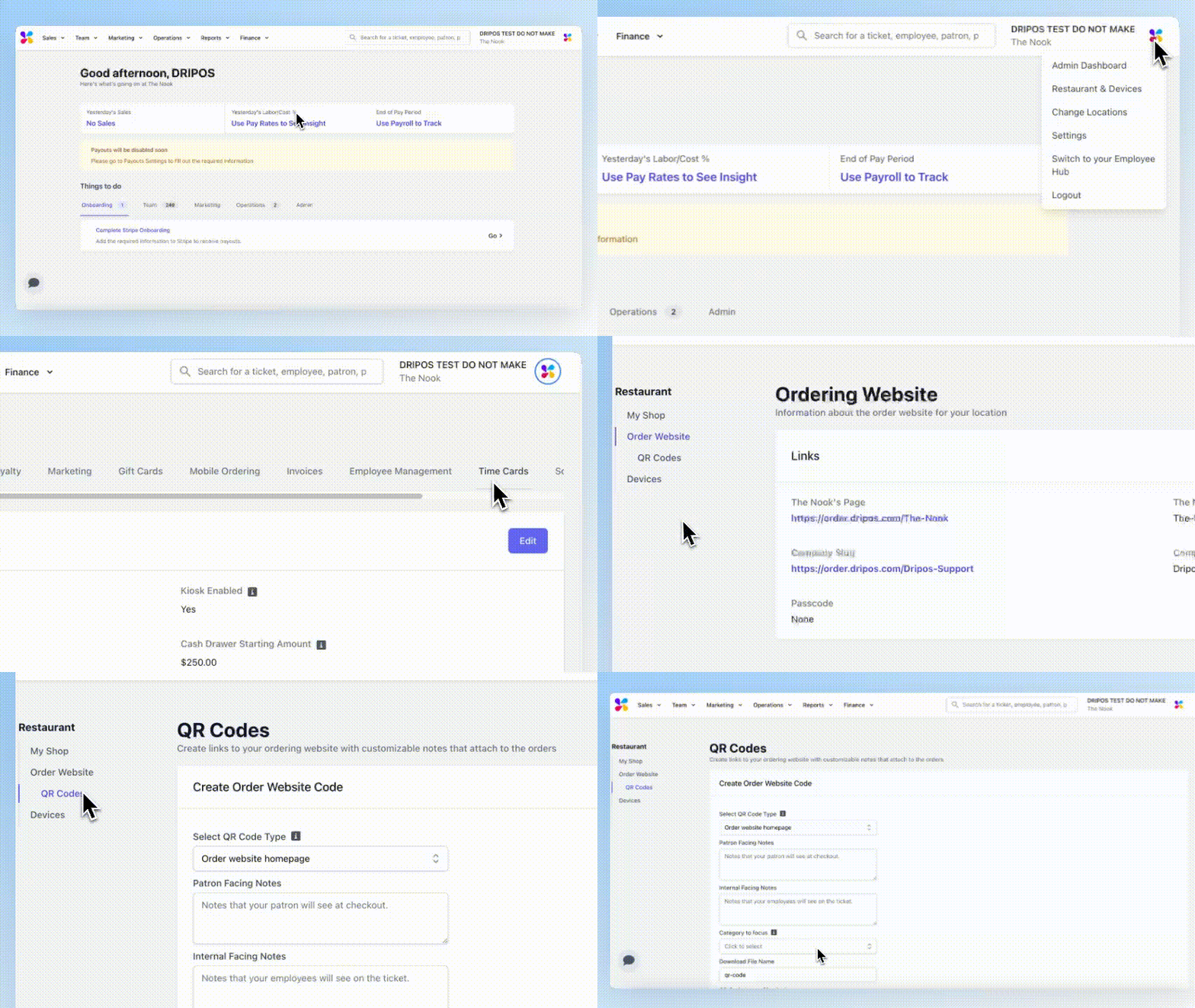 Direct customers to your store's order website.
* **QR Code Type**: Order website homepage
* **Category to focus**: Direct customers to a specific category on the order website
* **Download file name**: Name your QR code file
* **QR Code Image Size (px)**: Increase or decrease image size
* **Background and Foreground**: Change the color of the QR code
Generate QR Code!
Direct customers to your store's order website.
* **QR Code Type**: Order website homepage
* **Category to focus**: Direct customers to a specific category on the order website
* **Download file name**: Name your QR code file
* **QR Code Image Size (px)**: Increase or decrease image size
* **Background and Foreground**: Change the color of the QR code
Generate QR Code!
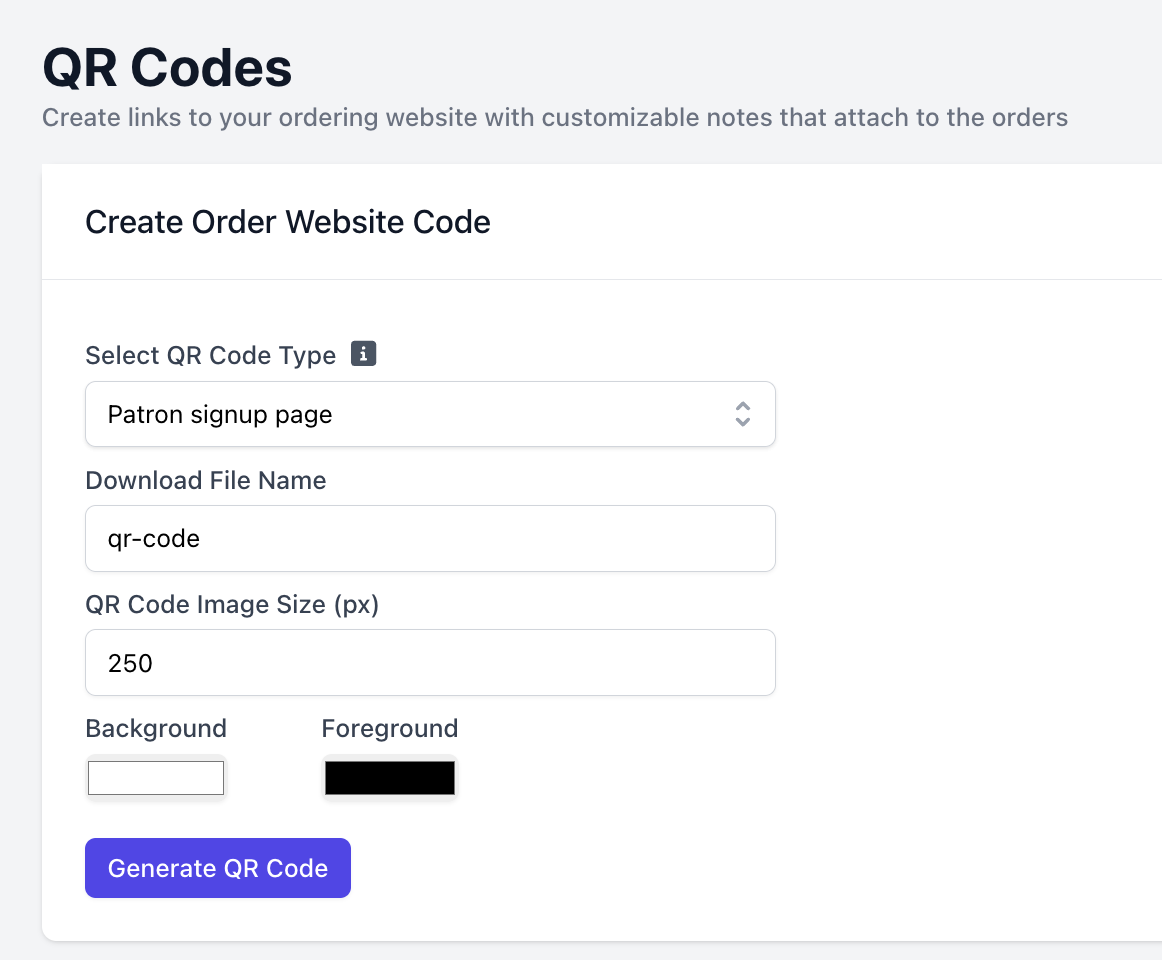
 Direct customers to sign up for your shop's loyalty program
* **QR Code Type**: Patron signup page
* **Download file name**: Name your QR code file
* **QR Code Image Size (px)**: Increase or decrease image size
* **Background and Foreground**: Change the color of the QR code
Generate QR Code!
Direct customers to sign up for your shop's loyalty program
* **QR Code Type**: Patron signup page
* **Download file name**: Name your QR code file
* **QR Code Image Size (px)**: Increase or decrease image size
* **Background and Foreground**: Change the color of the QR code
Generate QR Code!
 See the below QR codes for downloading the Dripos Order App on Apple and Android Devices
Click to download image
See the below QR codes for downloading the Dripos Order App on Apple and Android Devices
Click to download image
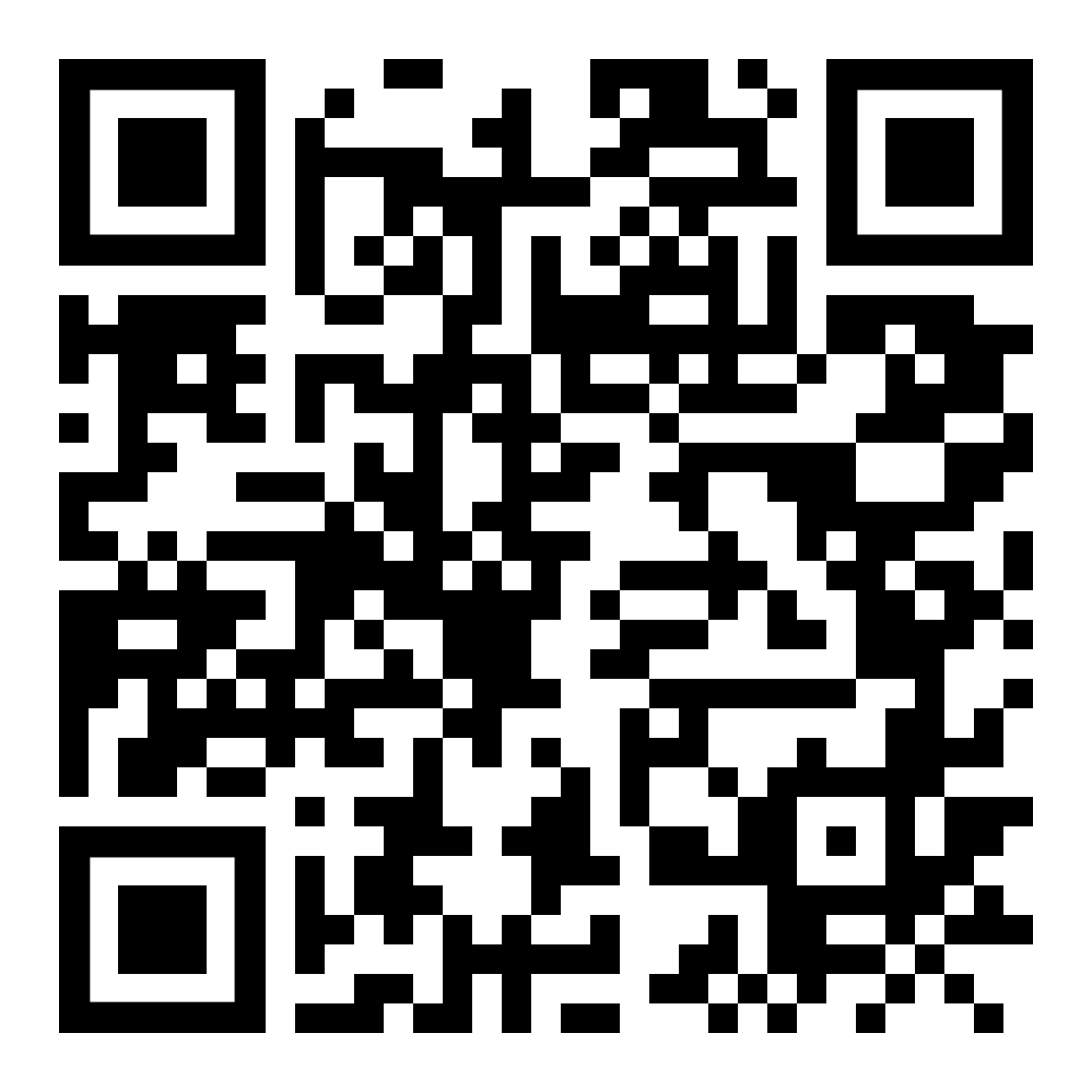 Click to download image