> ## Documentation Index
> Fetch the complete documentation index at: https://support.dripos.com/llms.txt
> Use this file to discover all available pages before exploring further.
# Manage Report Settings
## PIN Protect Reports
🔑 Require an employee PIN to access reports
On the **Dashboard** click the **Settings** icon > **Settings** > **Employee Management**
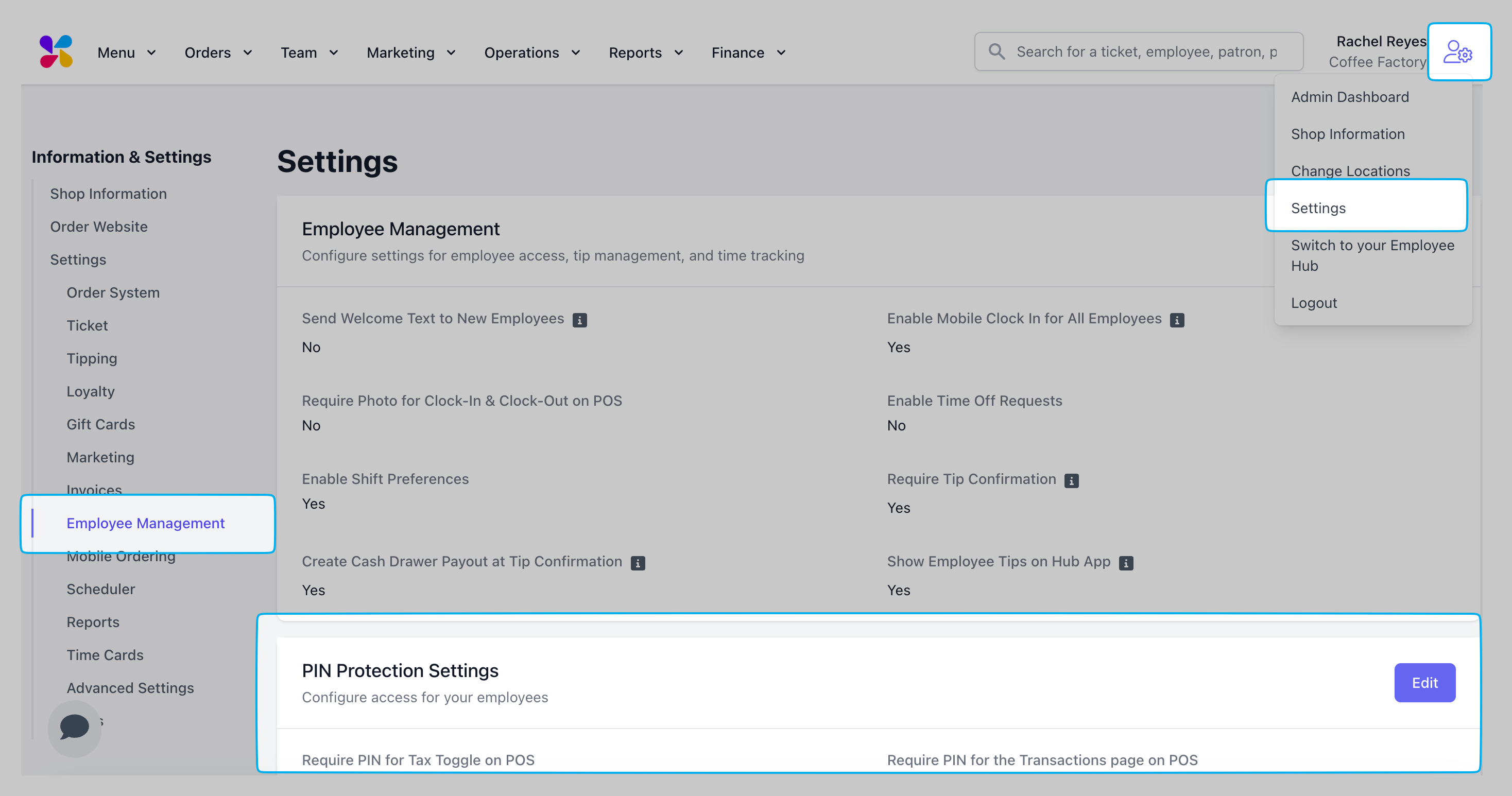 Press **Edit** next to **PIN Protection Settings**
Enable PIN protection on **Reports**:
Press **Edit** next to **PIN Protection Settings**
Enable PIN protection on **Reports**:
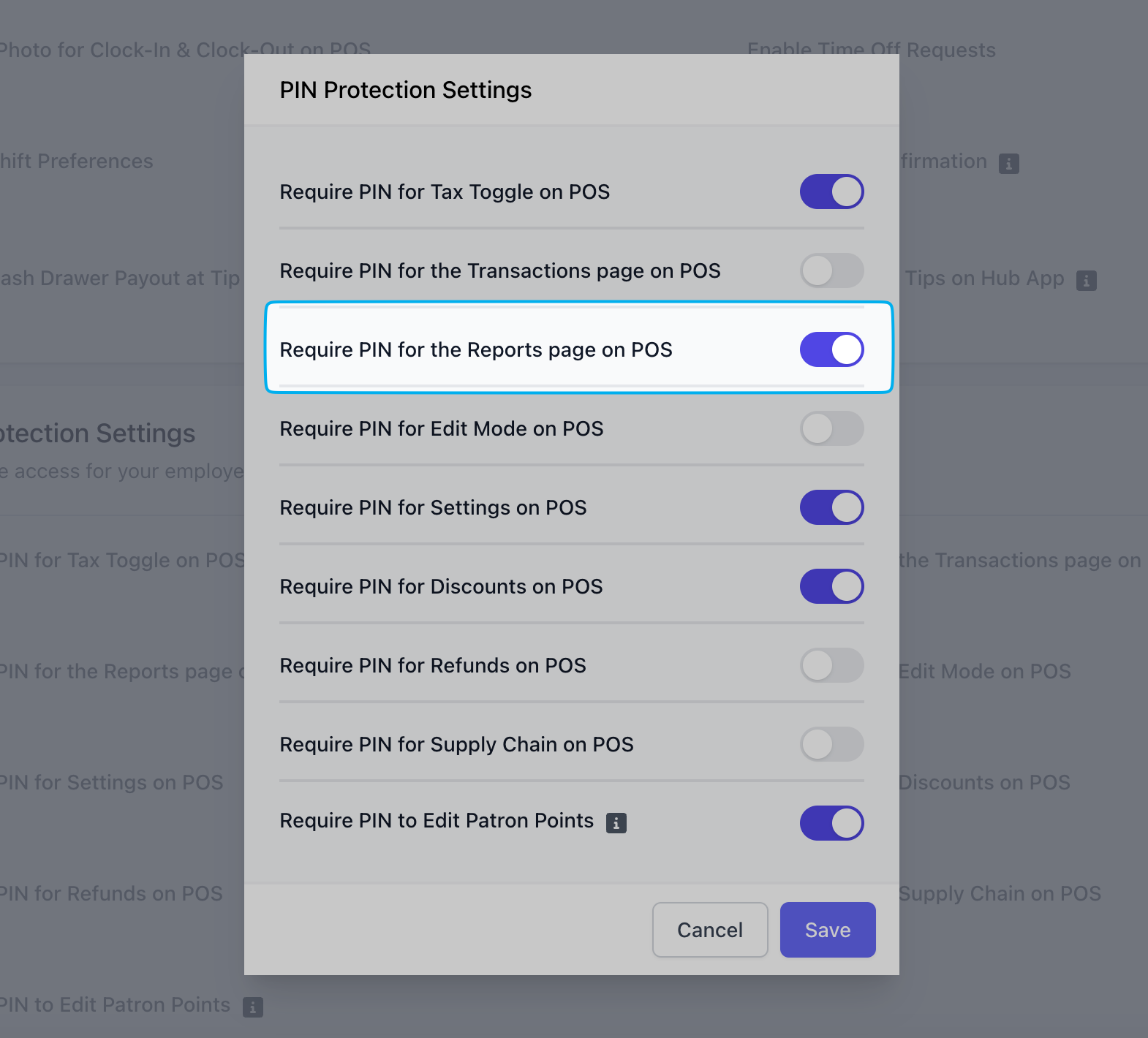 If enabled, an employee with sufficient permissions will have to input their pin to view Reports page.
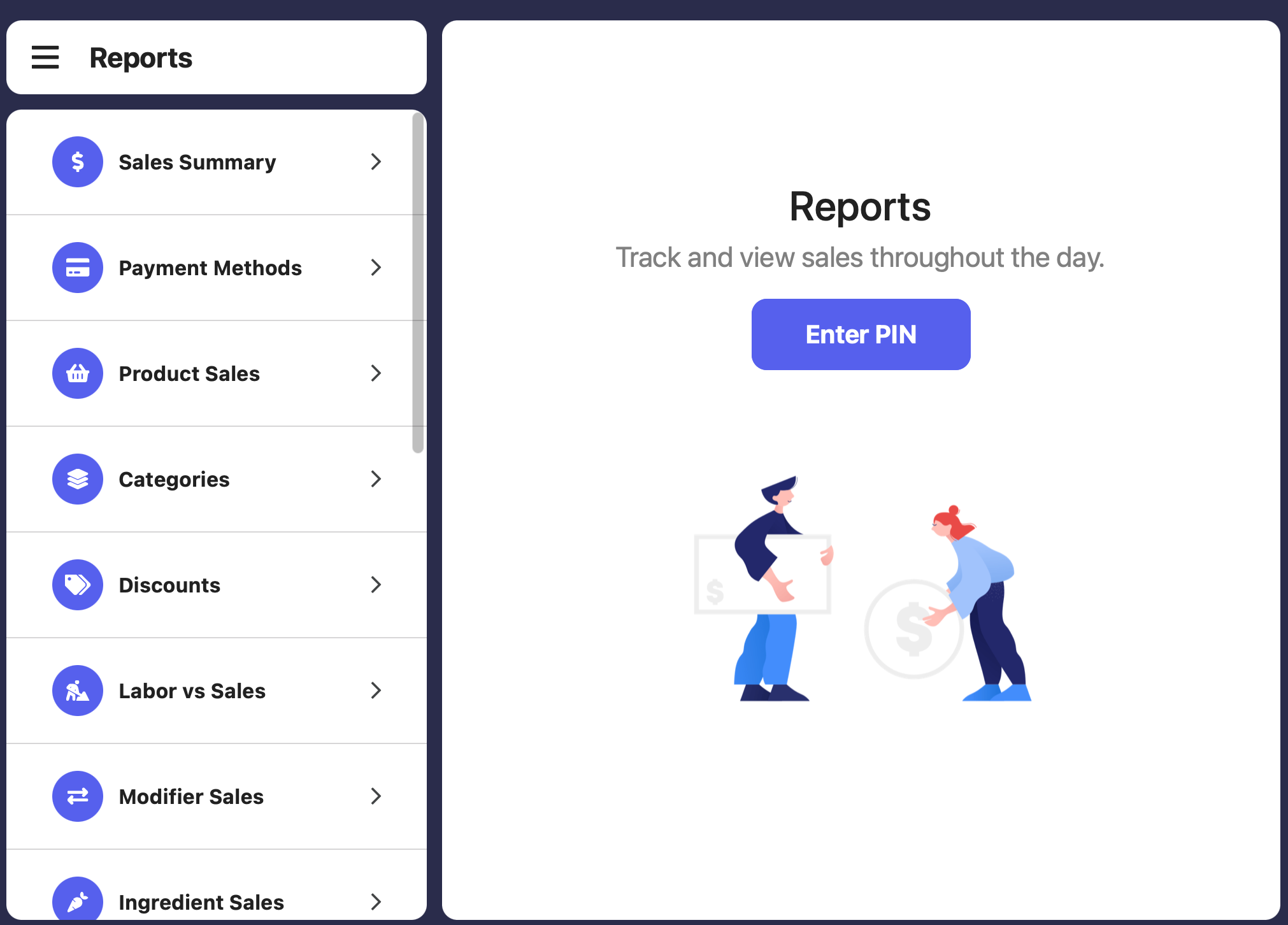 Specific employees will need to be given adequate permissions for their PIN to allow them access to reports.
Learn more about granting employee permissions [here](/team/setup/setup-permissions#reports).
***
## Reporting Methods
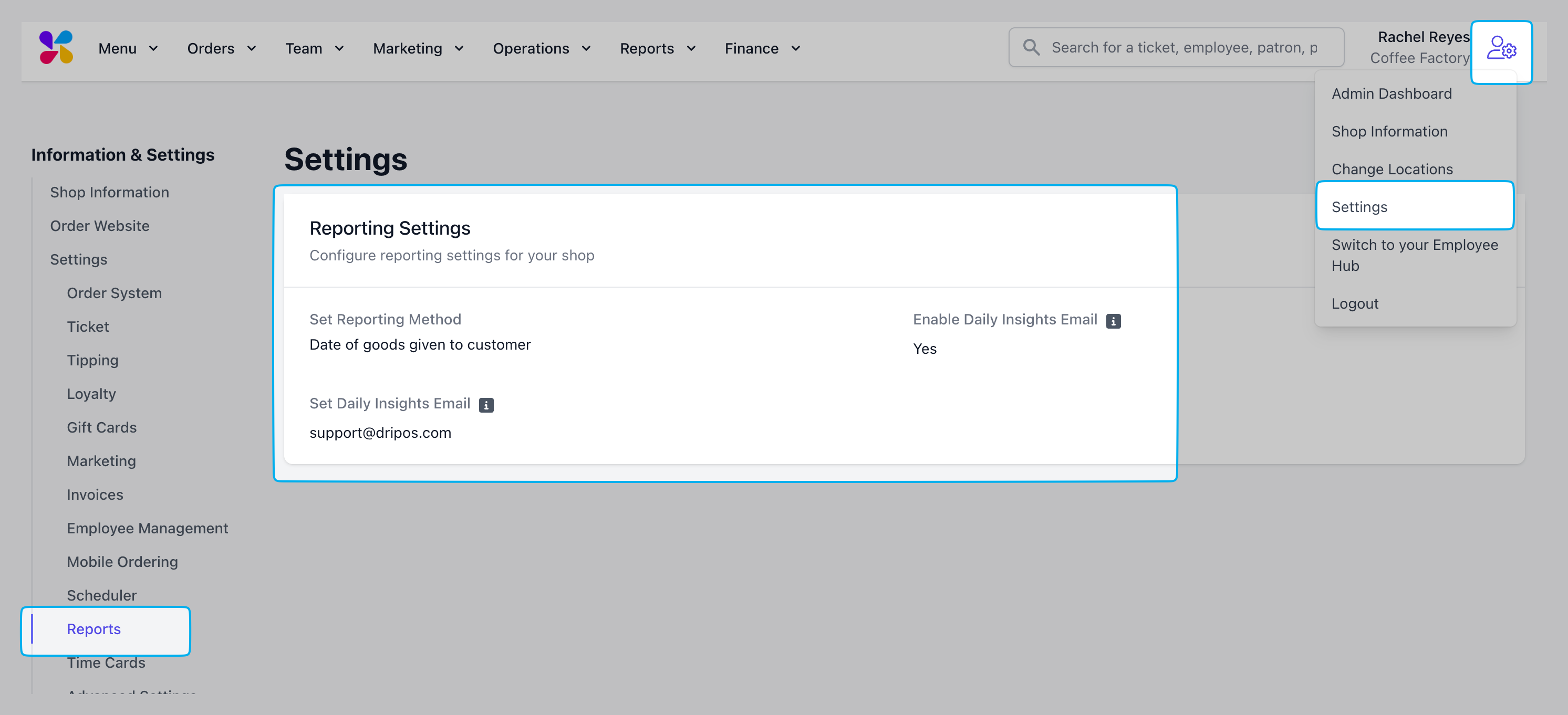
Reports can be structured to report sales in two different ways:
* **Time of Payment**: Sale will be reported at the time an order's payment is processed. *i.e., a customers orders a sandwich at the register and pays with card to complete the transaction*
* **Date of Goods Given to Customers**: Sale will be reported when the product is given to the customer, *i.e., an invoice is created for a large order, the customer receives the goods on 6/1/25 and pays for the goods on 6/5/25. The sale will be reported on 6/1/25*
Specific employees will need to be given adequate permissions for their PIN to allow them access to reports.
Learn more about granting employee permissions [here](/team/setup/setup-permissions#reports).
***
## Reporting Methods
Reports can be structured to report sales in two different ways:
* **Time of Payment**: Sale will be reported at the time an order's payment is processed. *i.e., a customers orders a sandwich at the register and pays with card to complete the transaction*
* **Date of Goods Given to Customers**: Sale will be reported when the product is given to the customer, *i.e., an invoice is created for a large order, the customer receives the goods on 6/1/25 and pays for the goods on 6/5/25. The sale will be reported on 6/1/25*
 ***
## Daily Insights Email
Subscribe to receive a daily insights report of your shop's sales and activity.
***
***
## Daily Insights Email
Subscribe to receive a daily insights report of your shop's sales and activity.
***