

PIN Protect Reports
🔑 Require an employee PIN to access reportsEnable PIN Protection for Reports
Enable PIN Protection for Reports
1
Navigate to Employee Management Shop Settings
On the Dashboard click the Settings (⚙️) > Employee Management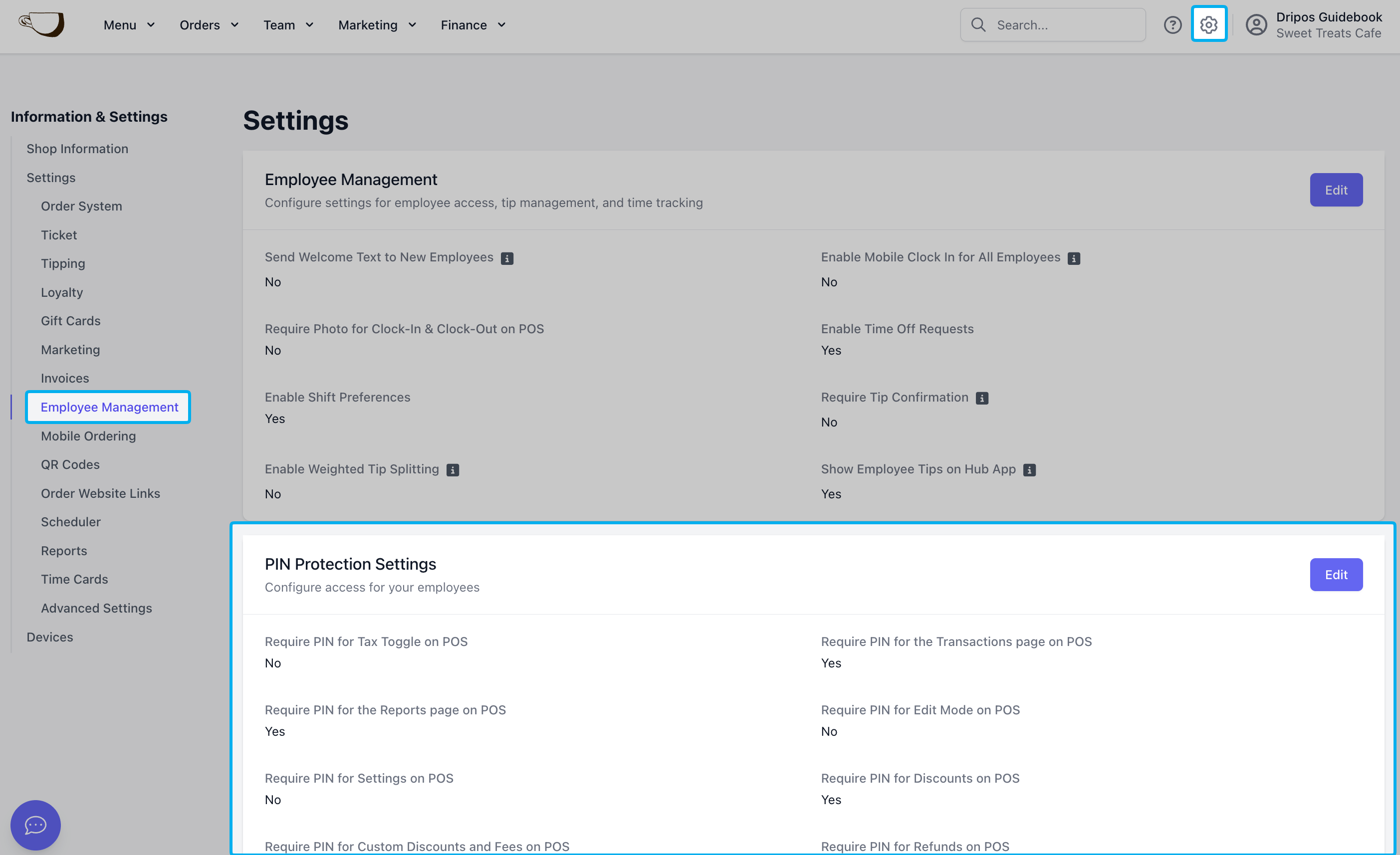
2
Press Edit next to PIN Protection SettingsEnable PIN protection on Reports: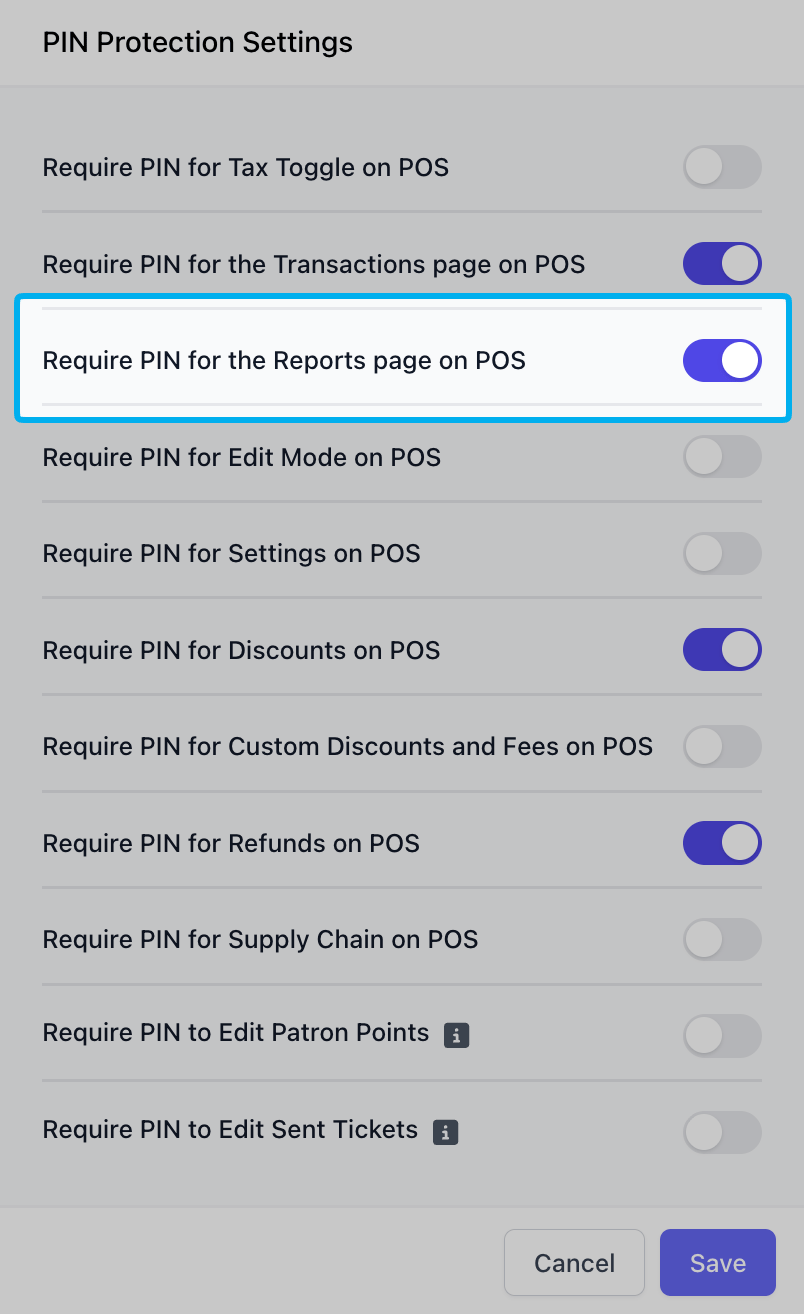
3
If enabled, an employee with sufficient permissions will have to input their pin to view Reports page.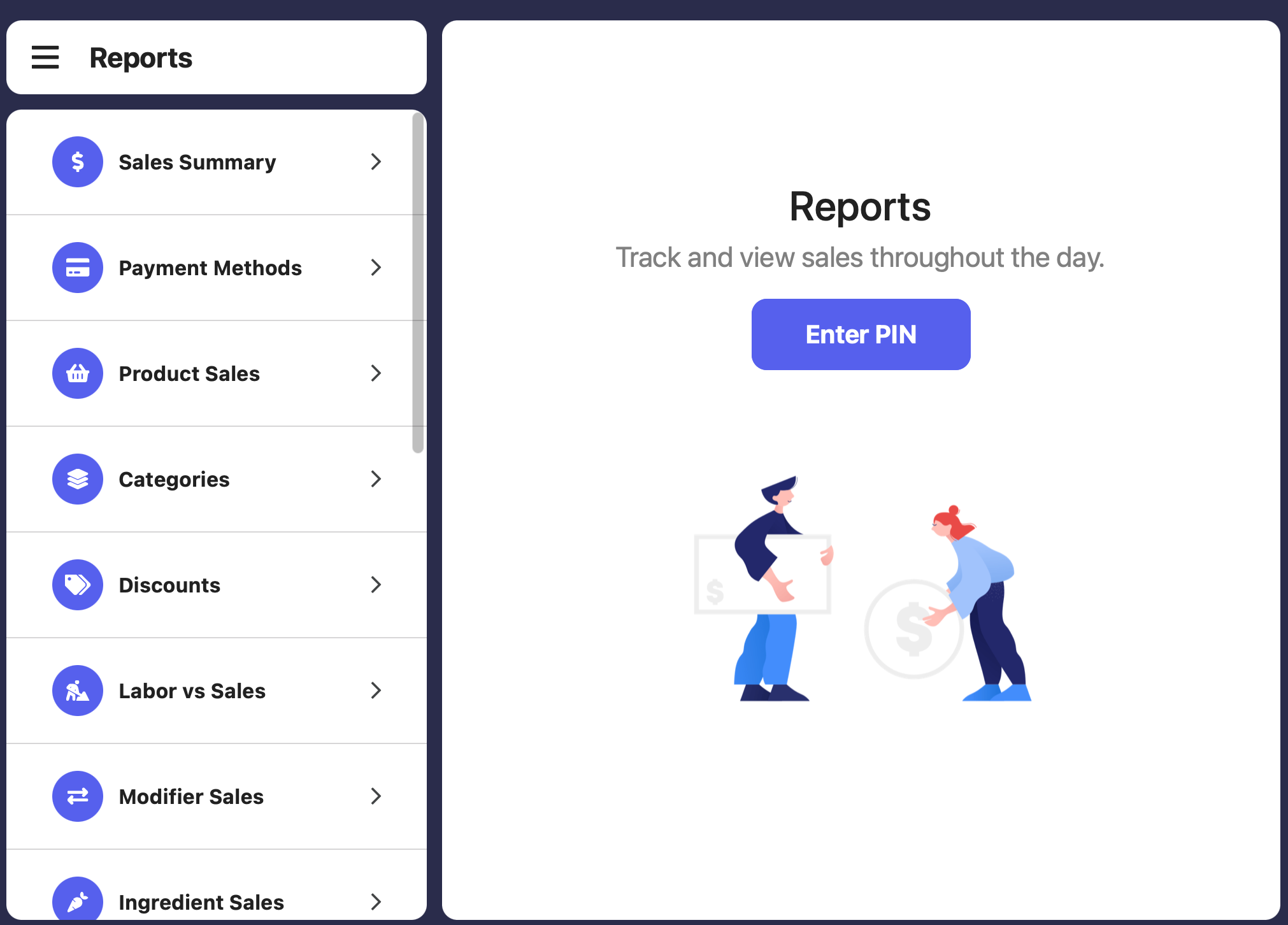
4
Specific employees will need to be given adequate permissions for their PIN to allow them access to reports.
Daily Insights Email
Subscribe to receive a daily insights report of your shop’s sales and activity.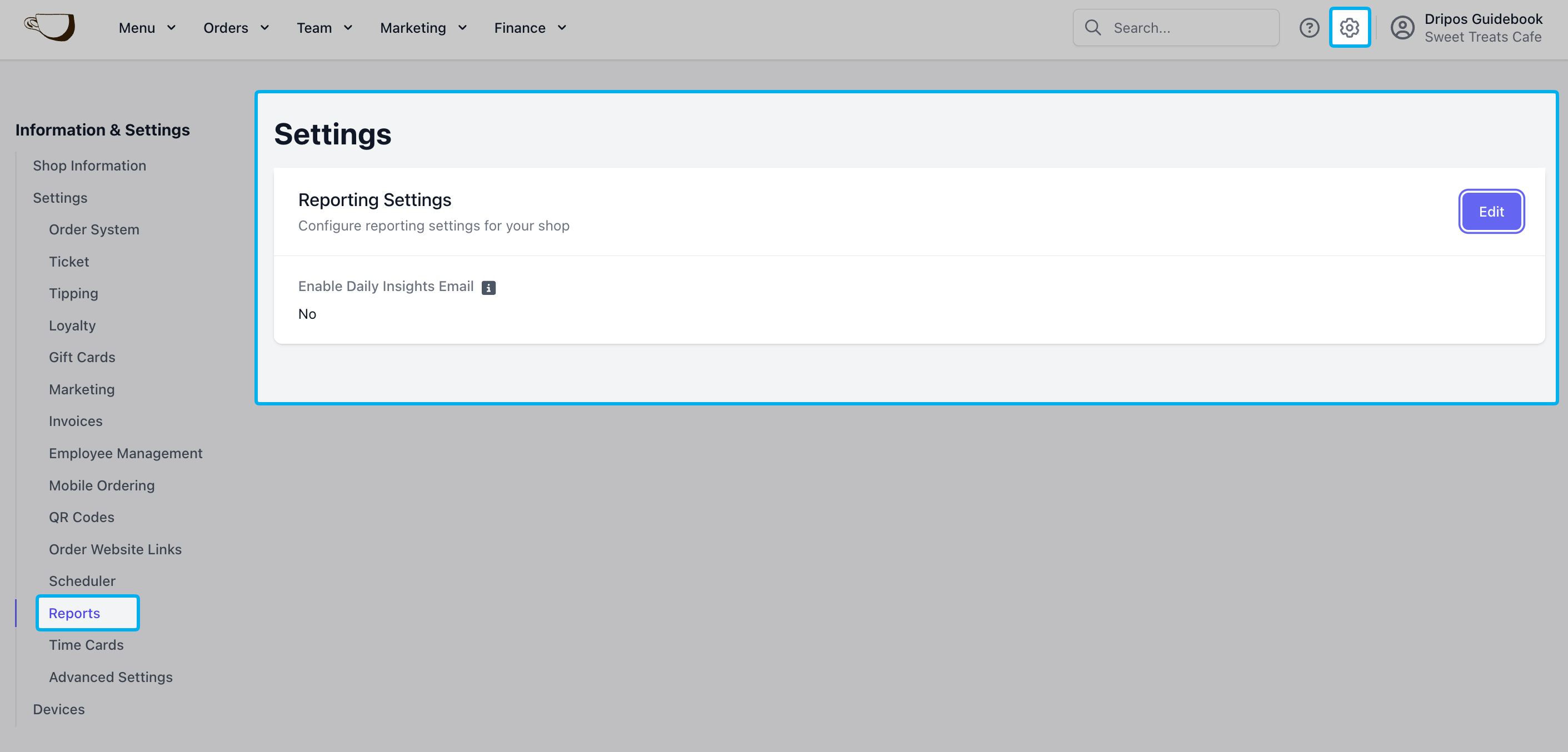
On the Dashboard click the Settings (⚙️) > Reports > Edit to enable daily insight emails and the recipient address