

Recommendations
We recommend using an Apple iPad (10th Generation) or later for your Point of Sale. Different sized iPads and tablets are compatible with Dripos, but will display differently depending on screen size. Dripos is optimized for standard iPads, and we highly recommend using them for the best experience. Many Android tablets do not have the processing power required for Dripos to run smoothly, so please review the requirements below carefully before choosing a device.Requirements
Confirm your tablet meets the following software and hardware requirements needed to run the Point of Sale app:Apple
Requires iPadOS 13.0 or later
Android
Requires Android 8.0 and up
Minimum 8 GB RAM required
Dripos Device
What is a “Device” in Dripos?
What is a “Device” in Dripos?
In Dripos, a Device is a unique POS setup tied to one physical tablet or phone.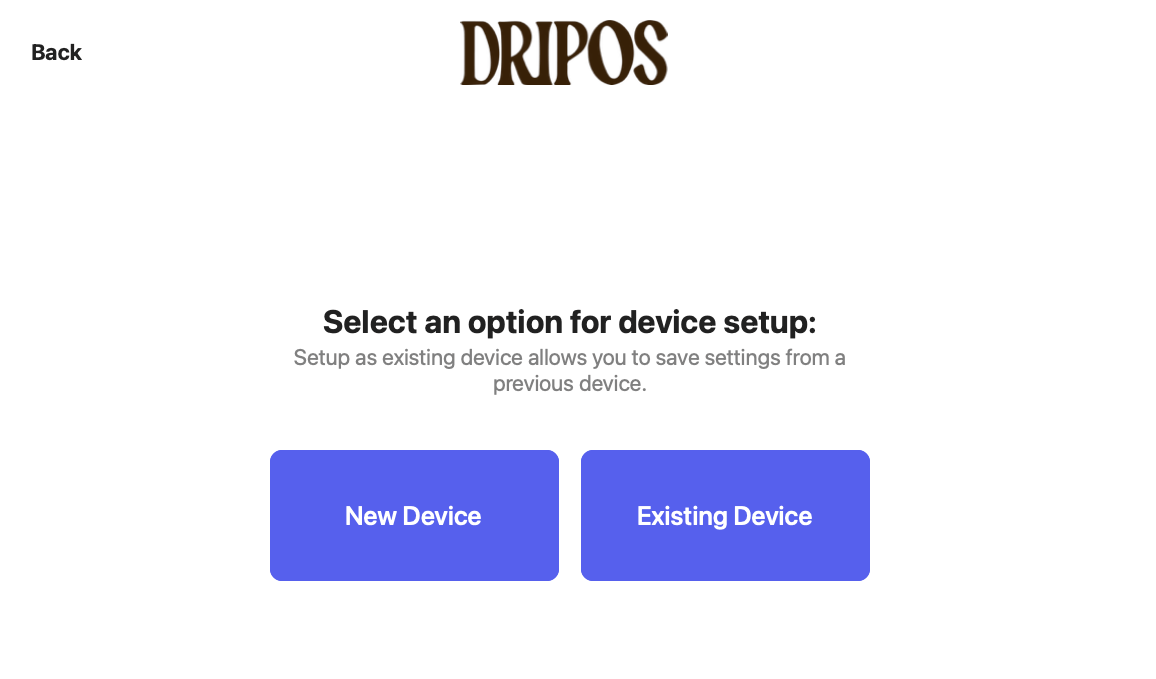
- Each iPad/Android tablet running the Dripos POS should have its own Device name. (e.g., “Register 1”, “Drive Thru”, “Bar iPad”).
- Each phone/tablet running Dripos Go is also its own Device (e.g., “Event Handheld”, “Patio POS”).
- See which register/station orders are coming from
- Keep cash drawers and reports organized by register
- Connect the correct card reader to the correct tablet
- You should not sign in to multiple tablets using the same Device name .
- Sharing a Device name across multiple tablets can:
- Cause issues with the checkout flow
- Create problems with card reader connections
- Make reporting and cash tracking inaccurate
- Give each physical tablet its own unique Device name
- Keep that tablet always logged in under that same Device name
- Pair only one card reader to that Device/tablet at a time