

Epson Printer Troubleshooting Guides
Printer Factory Reset
Printer Factory Reset
1
Turn off the printer
2
Remove the bottom protective cover of the printer and locate the Reset button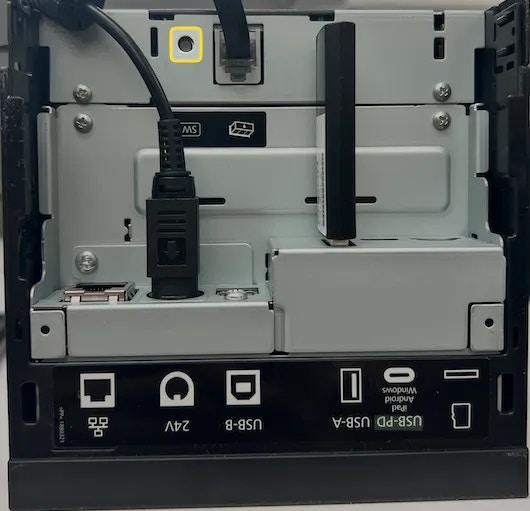
3
Use a small tipped object such as a pen or toothpick to press the Reset button. Hold down the Reset Button for 5 seconds, and then simuanteously turn on the printer without releasing the Reset button.
4
The printer will print a “Initialization Complete” message when turned on.
5
Release the Reset button. The printer will be restored to its Factory Default Settings and an IP address slip will print out.
6
Update Printer IP Address
Update Printer IP Address
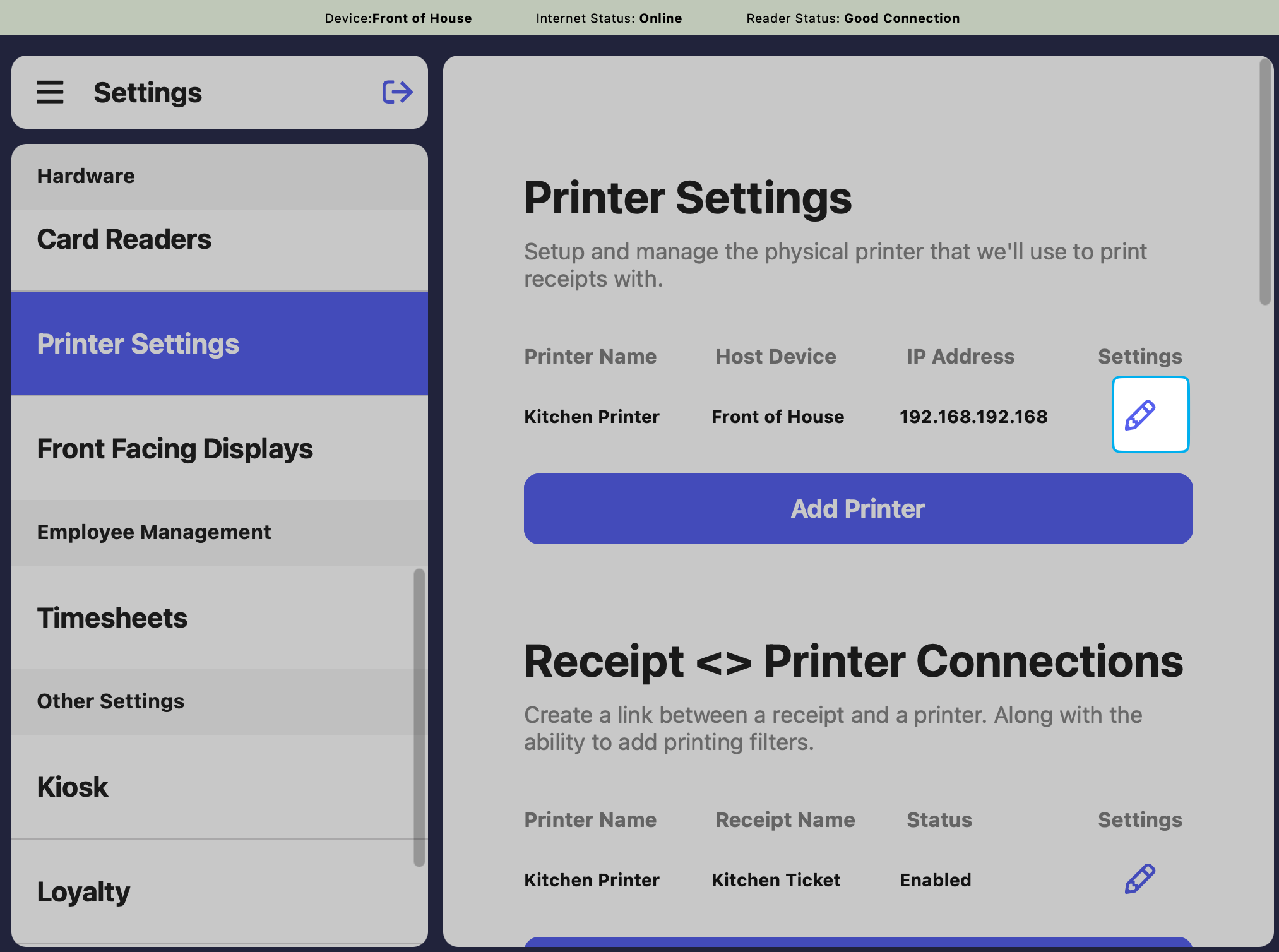
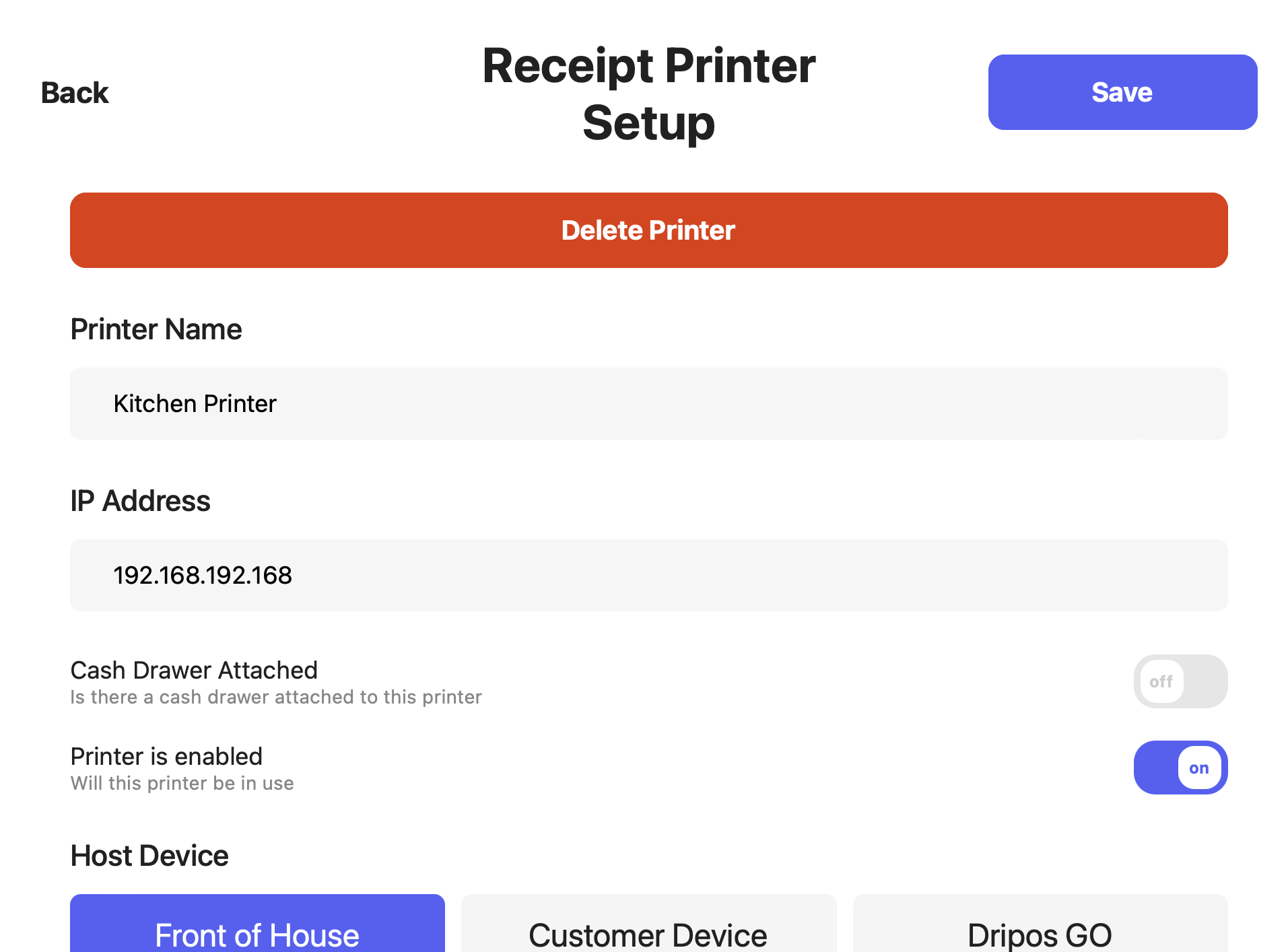
If your printer has randomly stopped printing, most likely the IP address has jumped. Easily update the IP address in your Dripos system.
1
Turn off the printer and then turn the printer back on. One the lights stabilize, an IP address slip will print out.
2
On the Point of Sale > Settings > Printers > check if the IP address in the Dripos system matches exactly the one that just printed out.If it does not match, press Edit and update the IP address > press Save.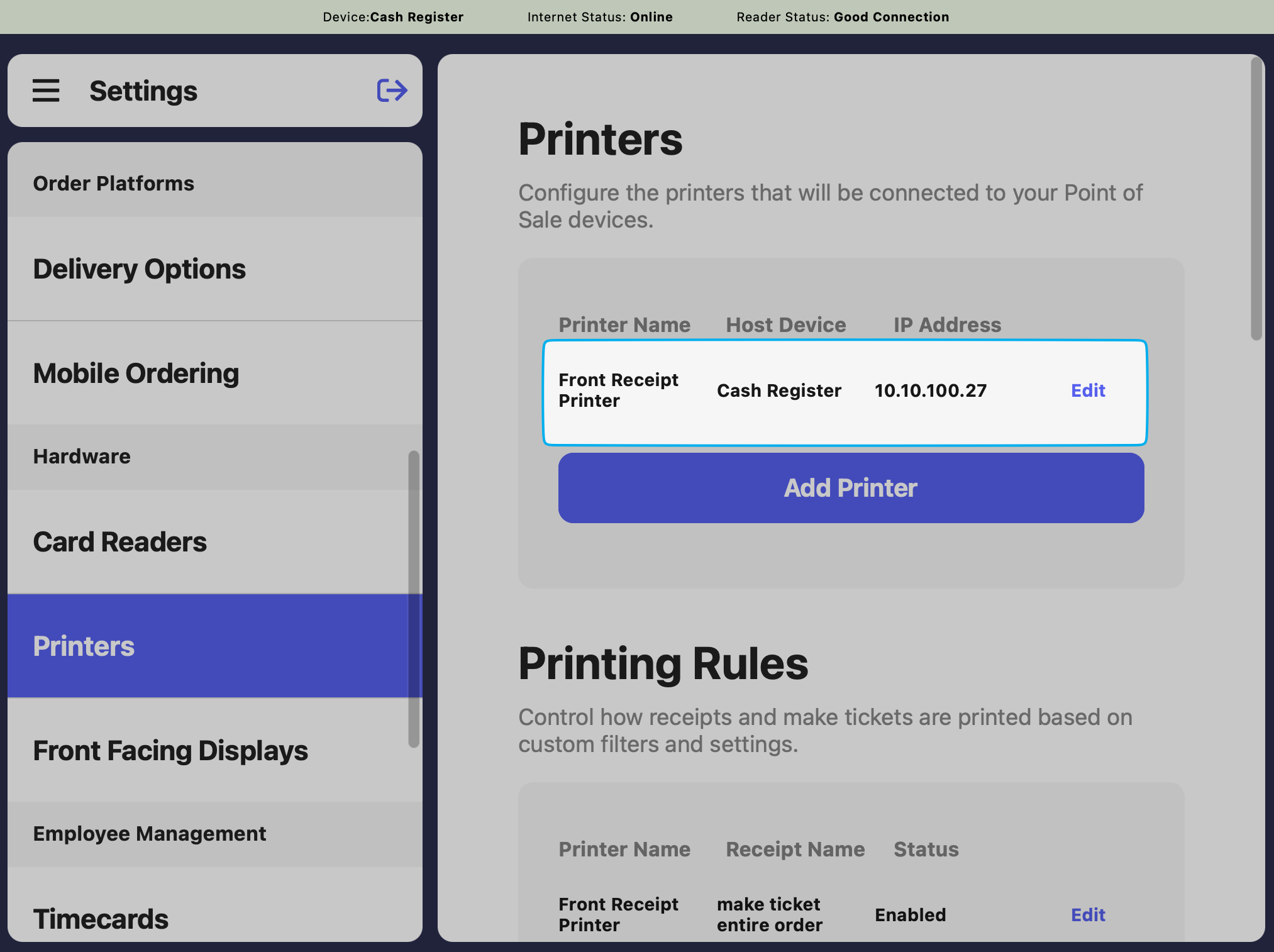
3
Print a ticket. The printer will now work as usual!
Legacy WiFi Printer
Legacy WiFi Printer Instructions
Legacy WiFi Printer Instructions
The following is requirement to set up a Wi-Fi dongle with an Epson printer:
Epson TM Utility App
Epson Wi-Fi Dongle
Connect a printer to Wi-Fi via Wi-Fi dongle
Connect a printer to Wi-Fi via Wi-Fi dongle
1
With the Epson Wi-fi USB Dongle plugged into the USB-A Port of the printer, turn on the printer using the power button to automatically initiate the Wi-fi SimpleAP setup. Two prompts should print: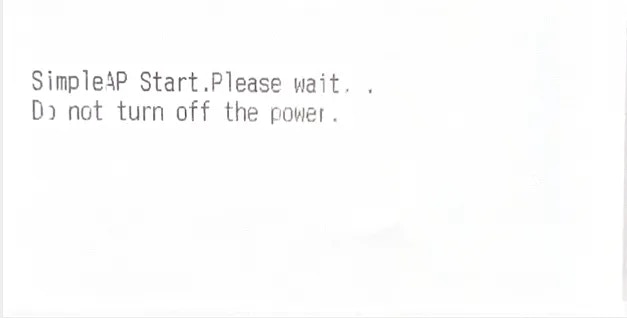
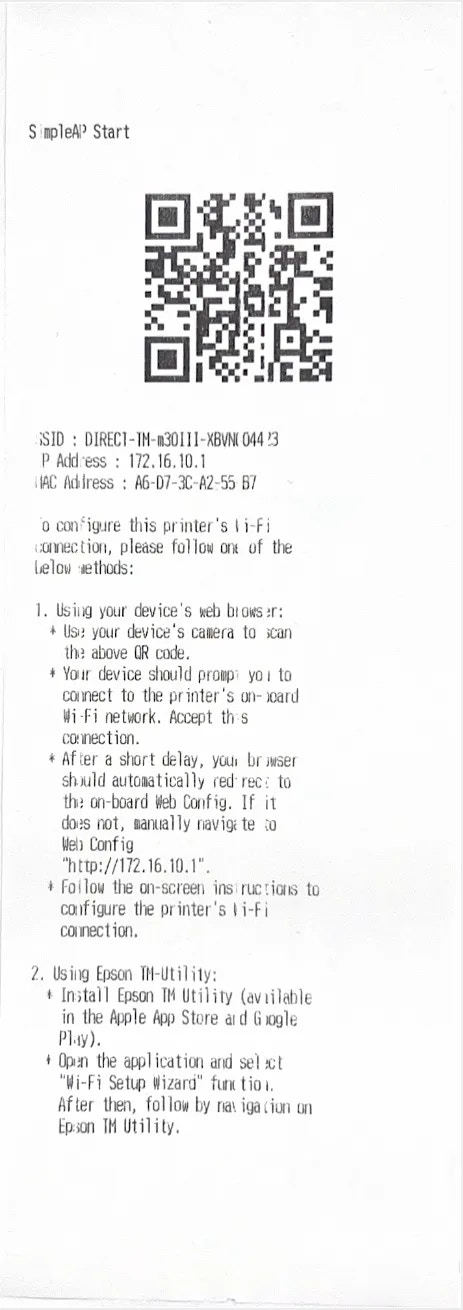
SimpleAP Initialization
SimpleAP Start Slip
2
Open the Epson TM Utility App from your phone or tablet and begin setup in the Wi-Fi Setup Wizard: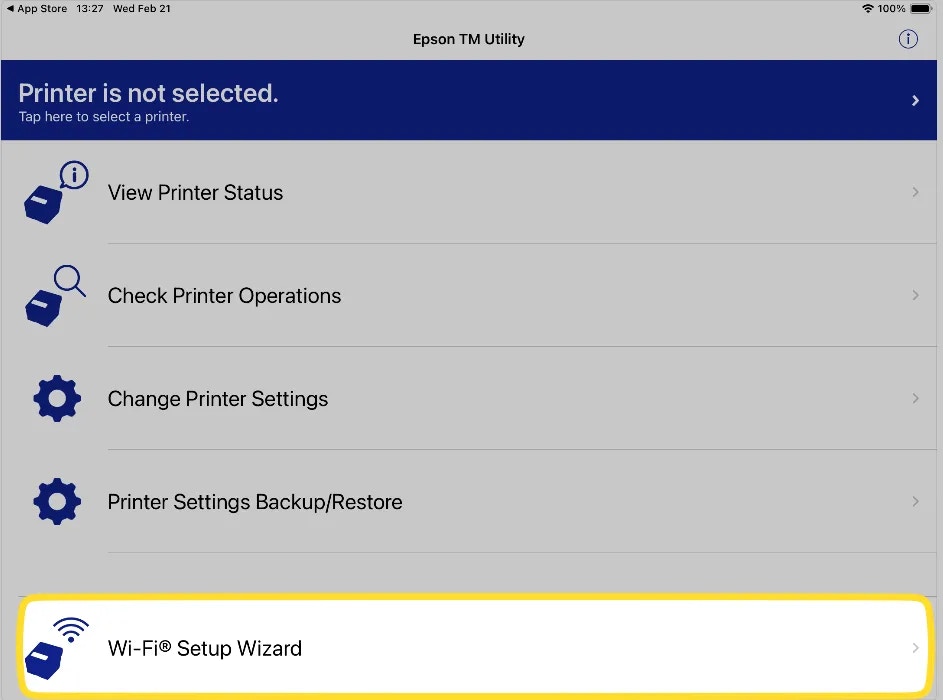
3
Select your Printer Model, either the TM30iii or hte L100 depending on your model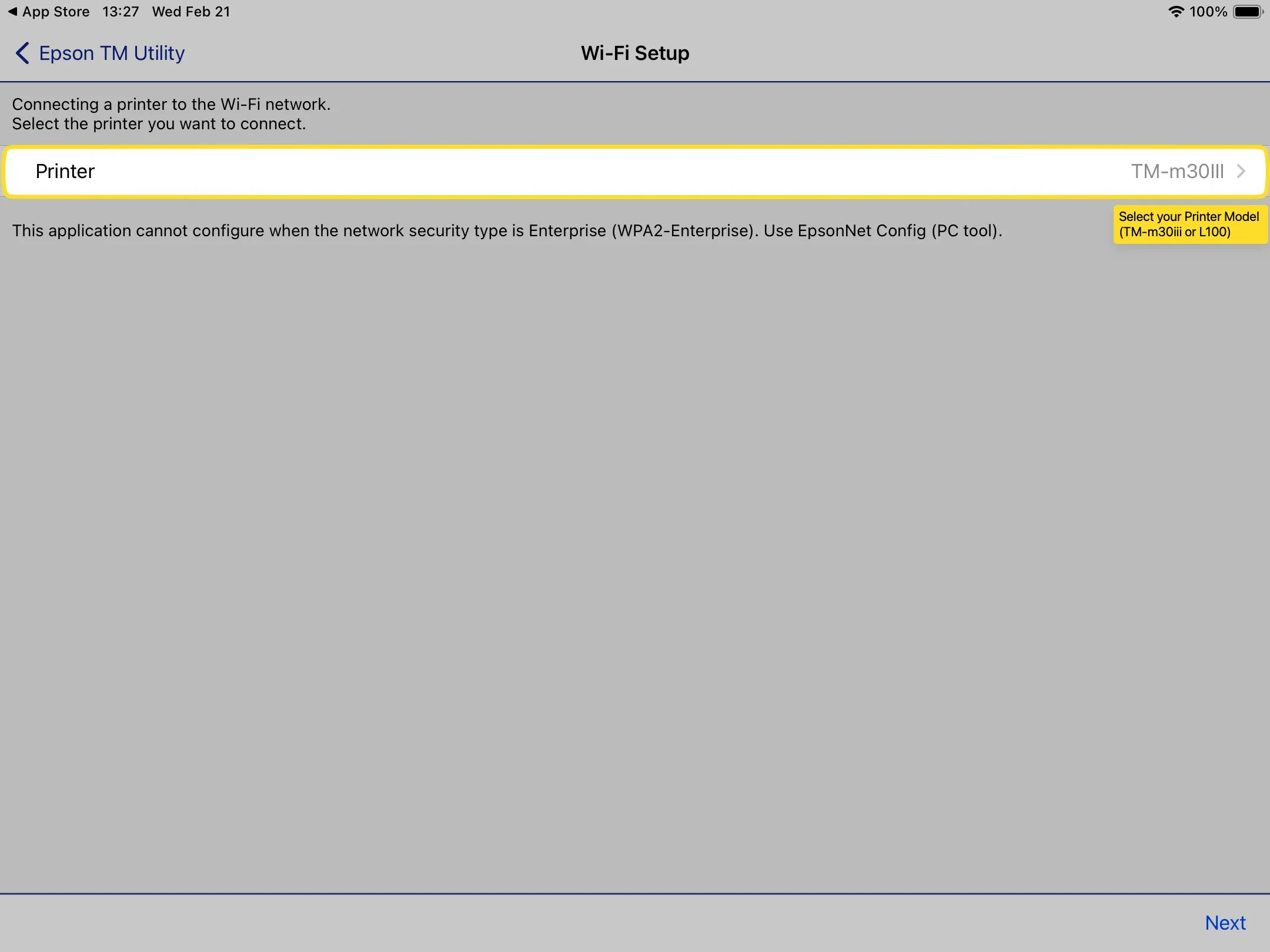
4
The TM Utility App will walk through the step-by-step process to connect the app to your printer.Press Allow when the app prompts for permissions as it looks to connect to your device: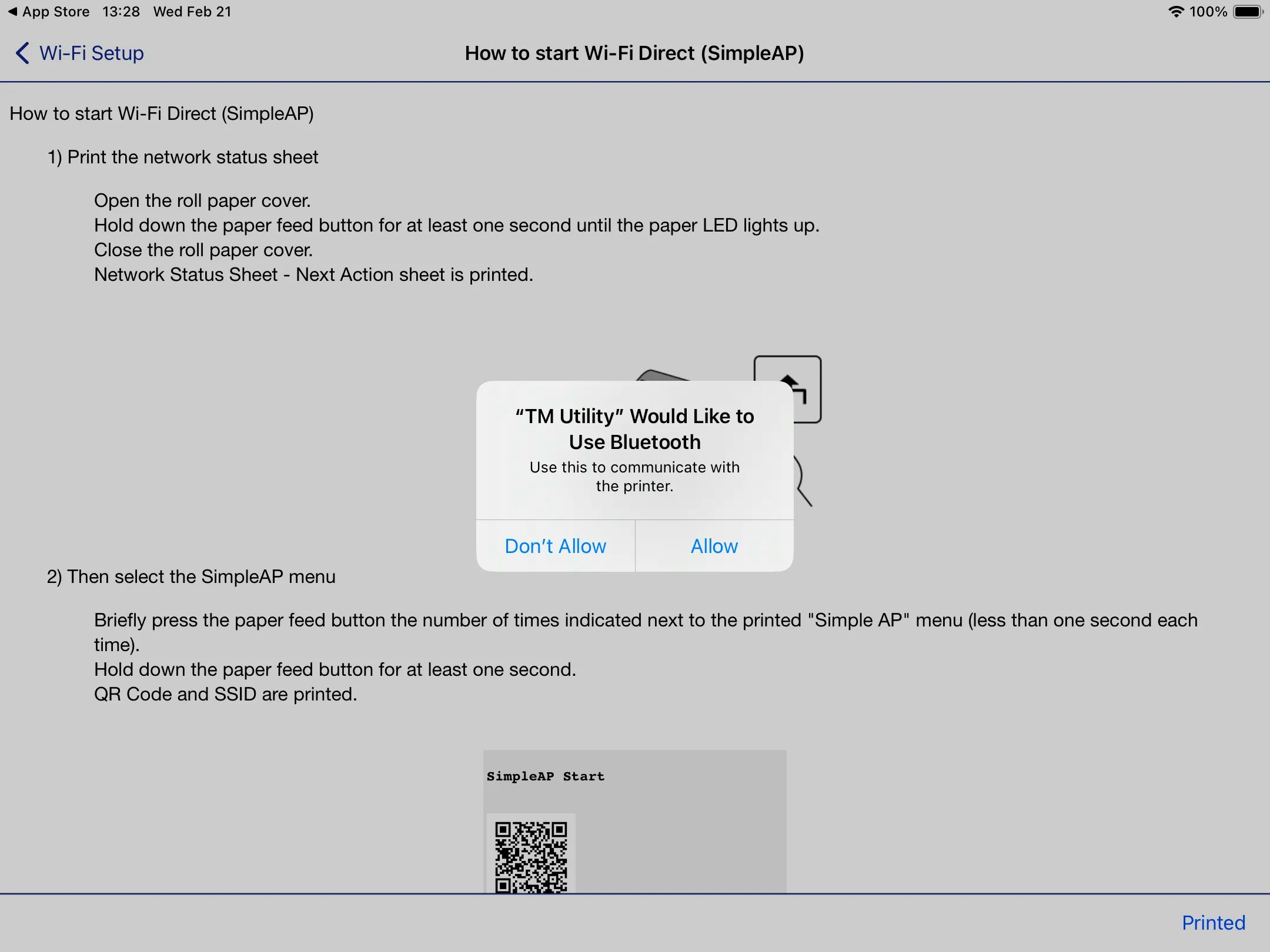
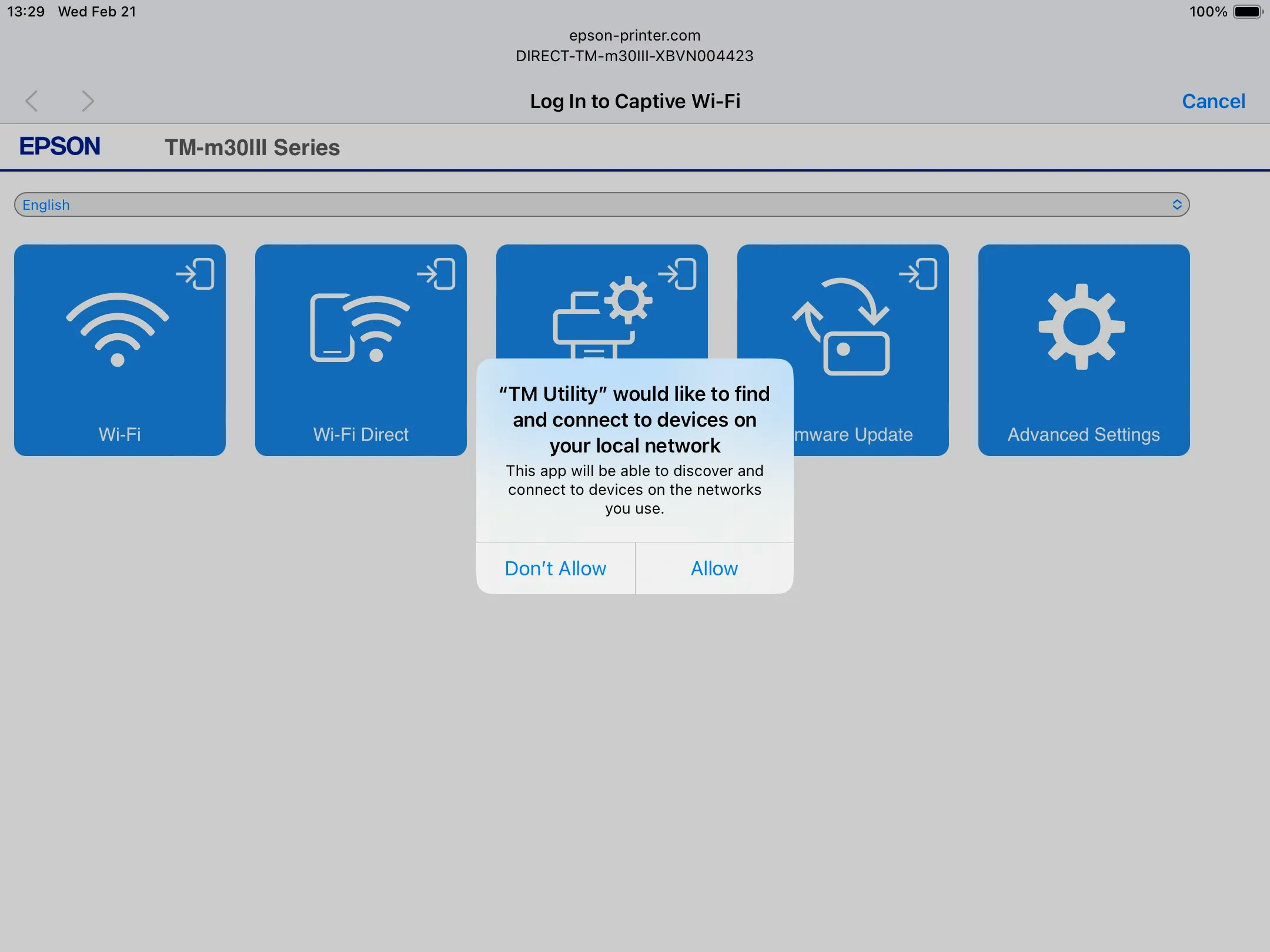
5
The app will prompt that it wants to join a Wi-Fi network named DIRECT-TM-xxxxx. Click Join.It will ask for a password. The first time password is the serial number on the back of your printer.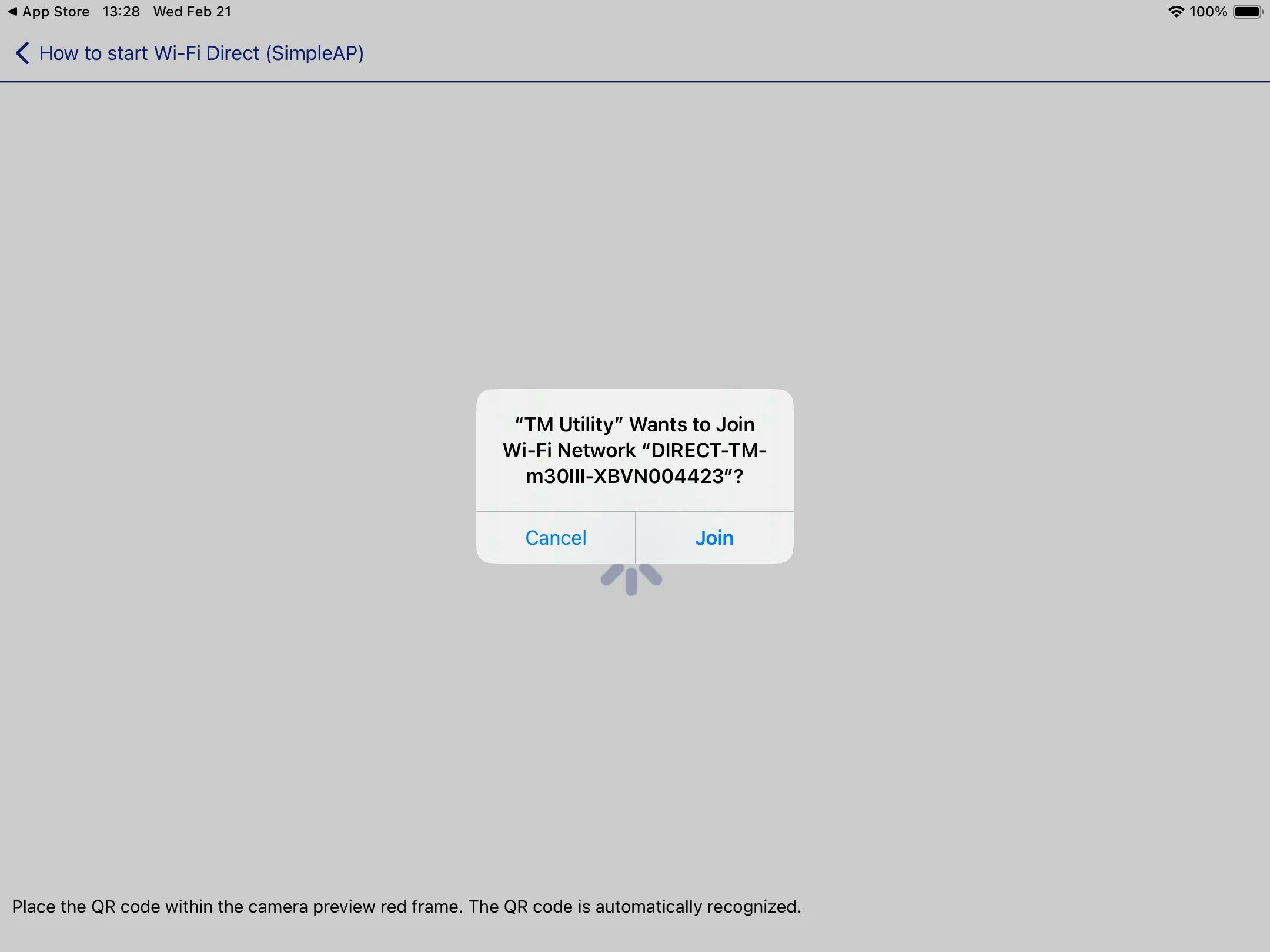
6
Once the app is connected, select Wi-Fi to begin the network pairing process: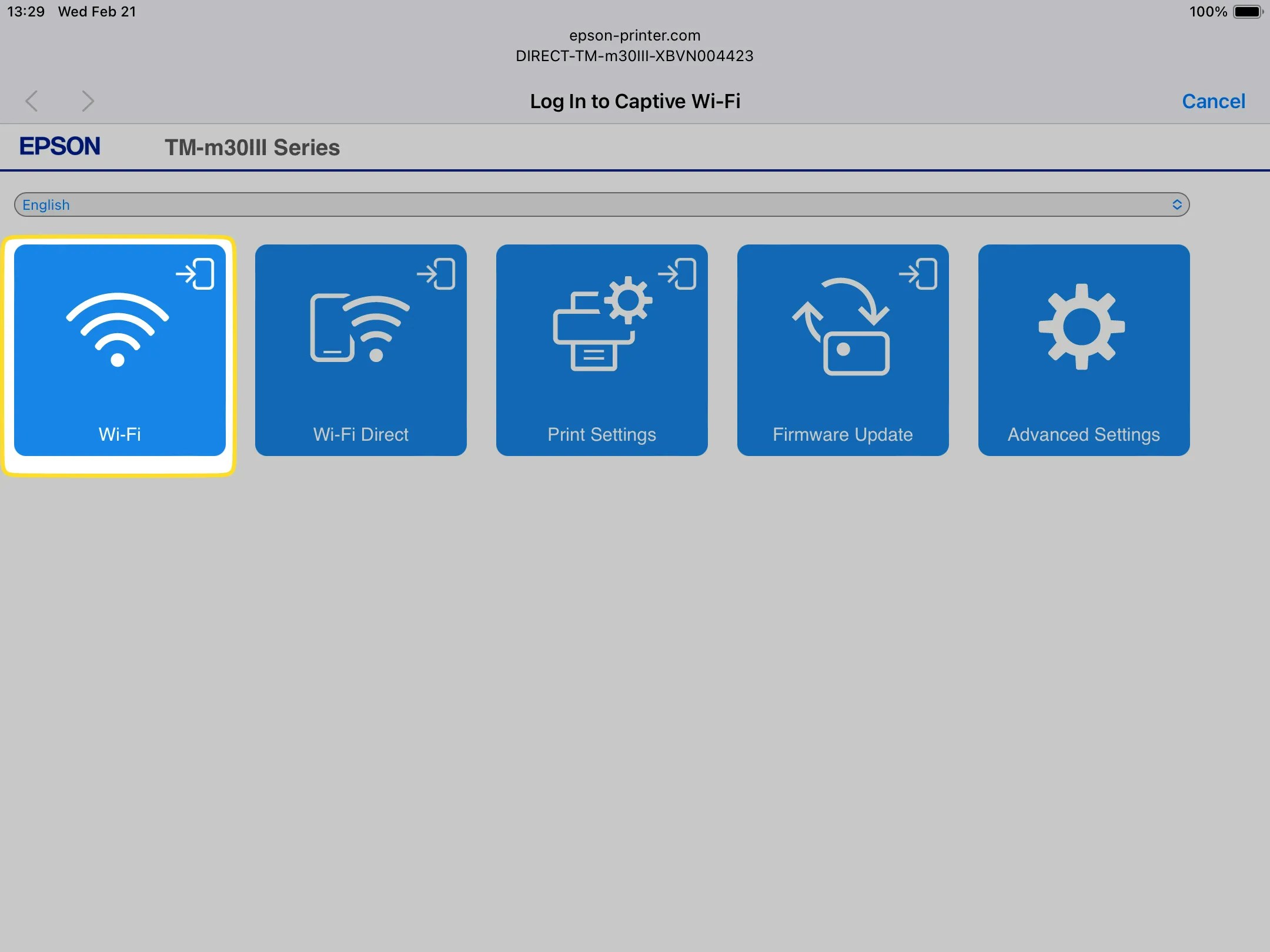
7
Select your Wi-Fi network. Make sure it’s the same network your POS Device is connected to. When inserting the Wi-fi password, take your time as the printer won’t be able to connect with an incorrect password: 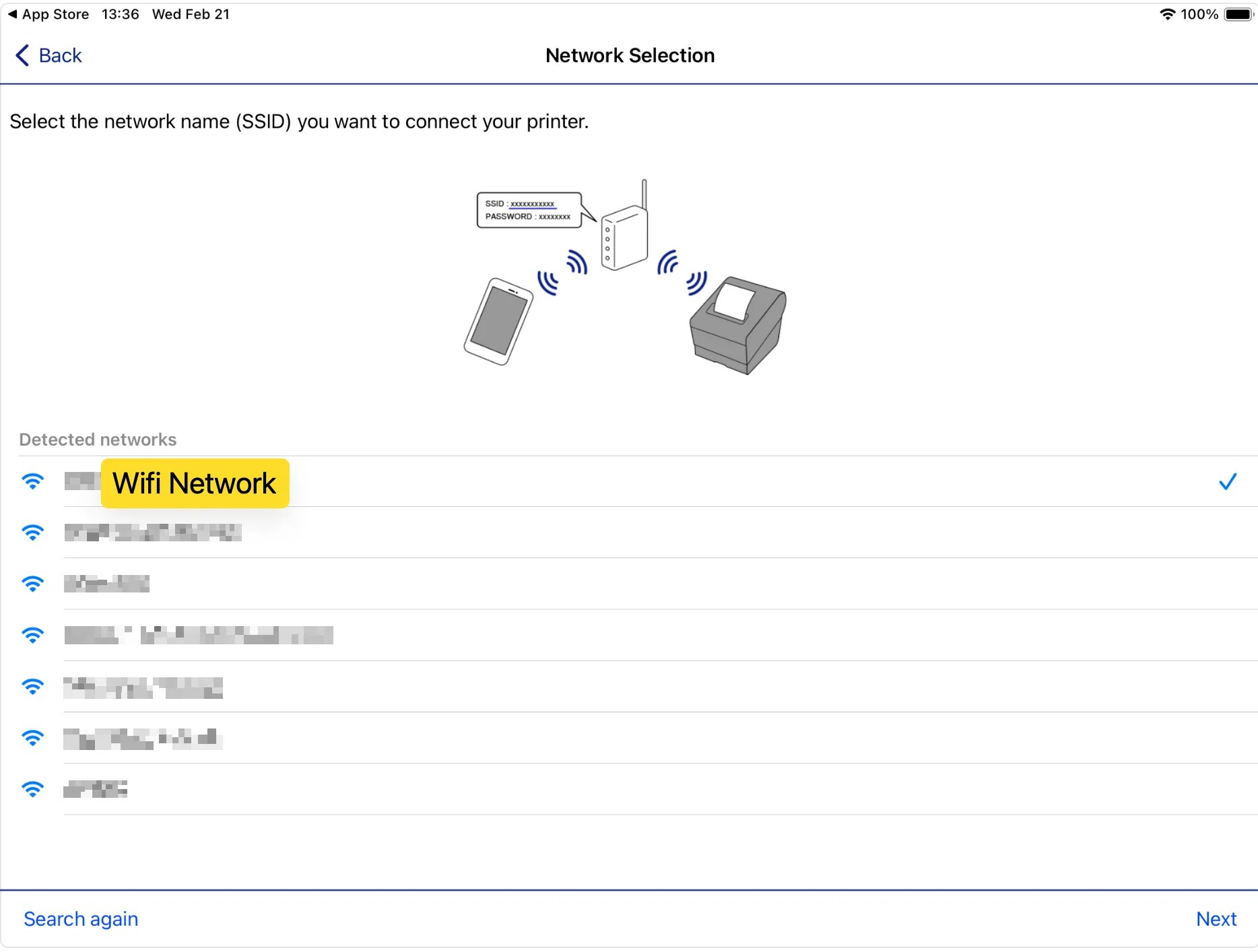
8
Select Auto (DHCP) when prompted in the IP Address Settings: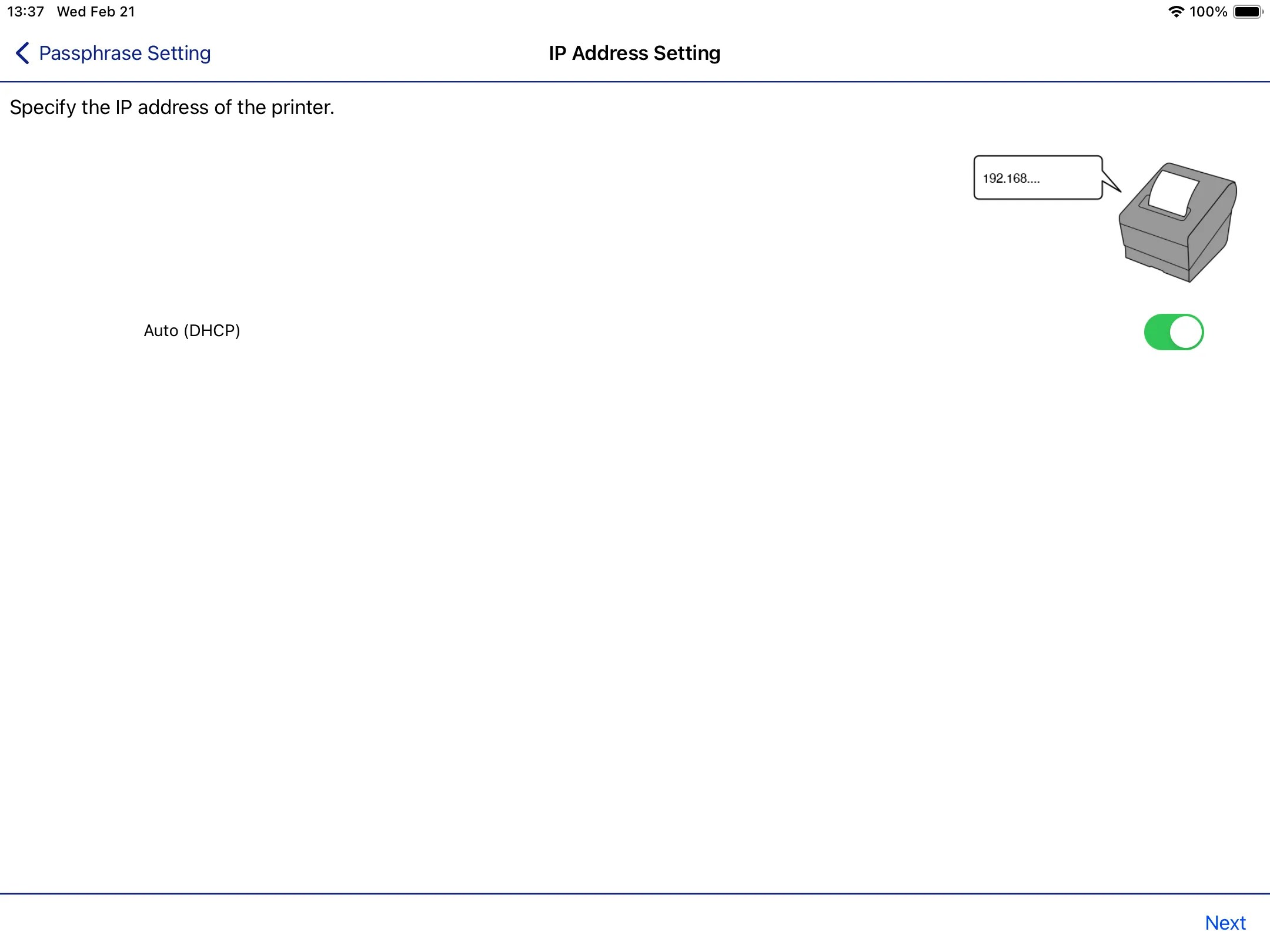
9
When ready, press Set to Printer at the end of the setup to send the Wi-Fi network information to the printer to connect to: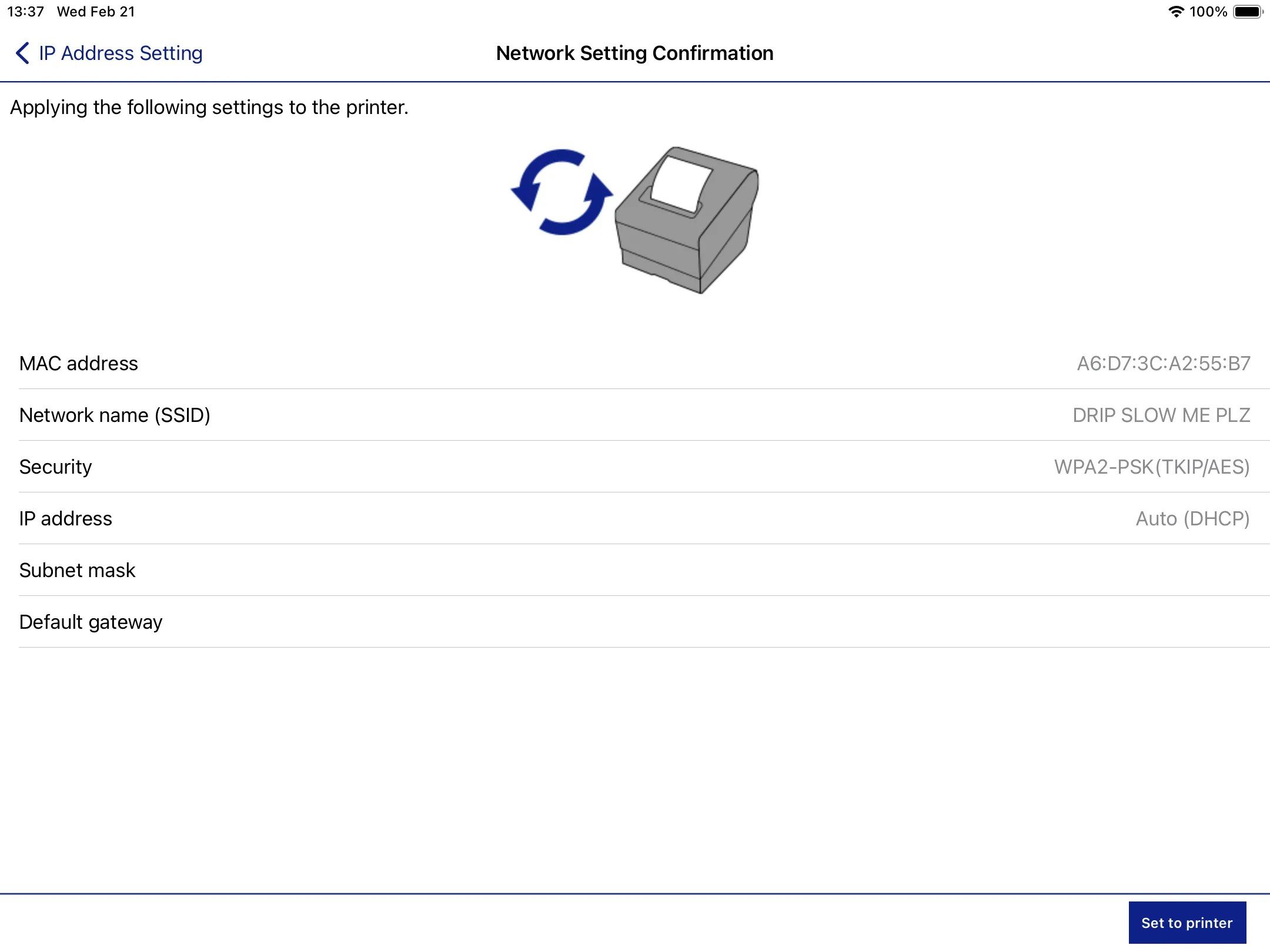
10
Once an IP Slip prints with a valid IP Address, you’ve successfully connected your printer to your Wi-fi network!